Part 05Design your own profile — four starting points
Start with the factory presets, then write your own; below are four archetypes as coefficients for the custom editor. Save the result in a Listening Profile per headphone.
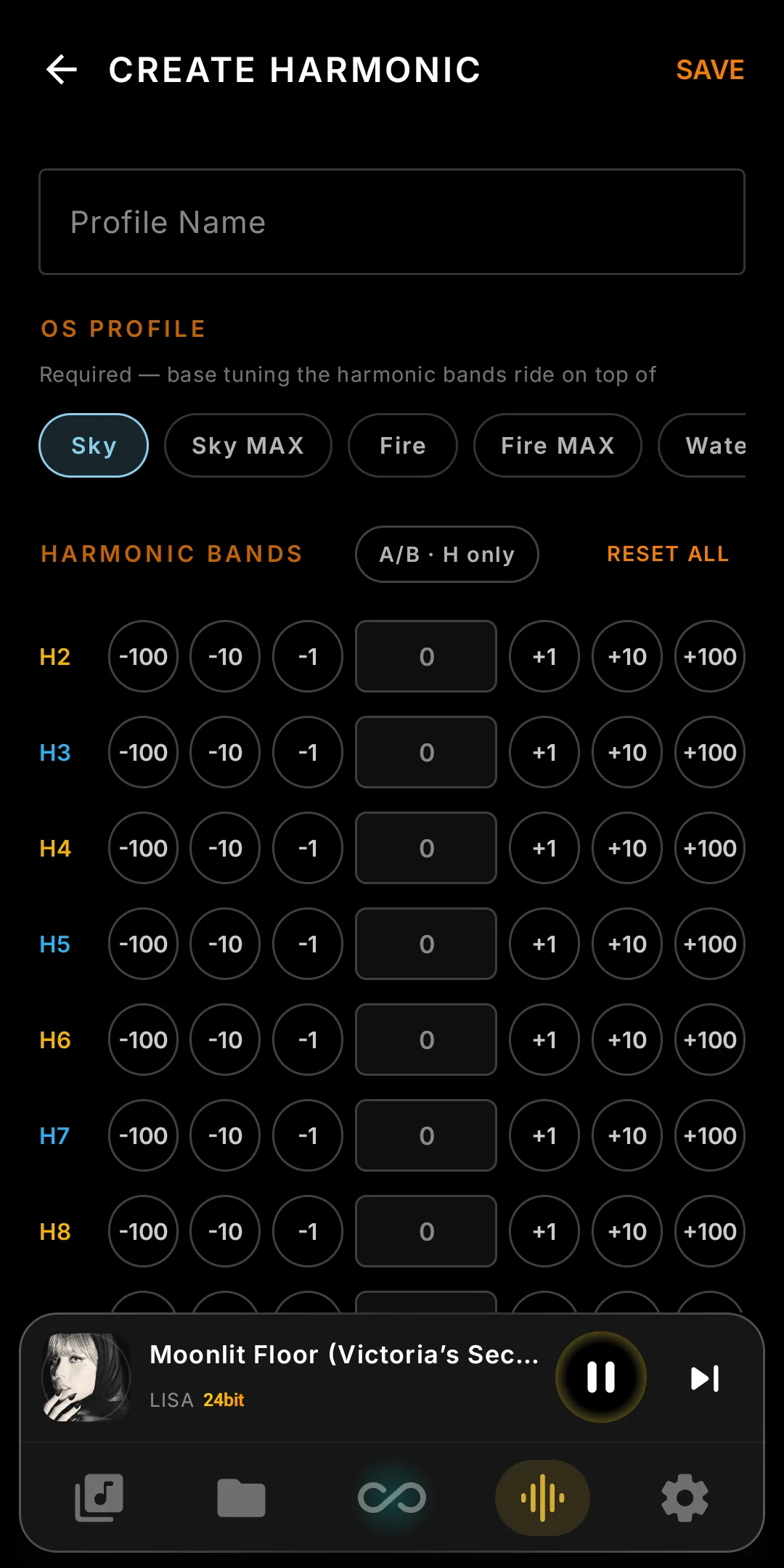
The “Polite and warm” profile All-even
B1 (H2)  +1800    — warmth
B2 (H3)      0
B3 (H4)   +600    — a touch more roundness
B4 (H5)      0
B5 (H6)   +200
B6 (H7)      0
B7 (H8)      0
B8 (H9)      0
B9 (H10)     0
The “Cutting edge” profile All-odd
B1 (H2)      0
B2 (H3)  +2200    — edge
B3 (H4)      0
B4 (H5)   +800
B5 (H6)      0
B6 (H7)   +300
B7 (H8)      0
B8 (H9)   +150
B9 (H10)     0
The “Tube amp impression” profile Even-dominant + hint of odd
B1 (H2)  +3200    — dominant warmth
B2 (H3)   +500    — small amount of odd to keep it from feeling muffled
B3 (H4)  +1400
B4 (H5)      0
B5 (H6)   +400
B6 (H7)      0
B7 (H8)   +100
B8 (H9)      0
B9 (H10)     0
The “Clean studio reference” profile Near-linear
B1 (H2)   +200
B2 (H3)   -150    — suppress a touch of inherent 3rd-harmonic
B3 (H4)      0
B4 (H5)    -80
B5 (H6)      0
B6 (H7)      0
B7 (H8)      0
B8 (H9)      0
B9 (H10)     0
Part 06A/B test — trust your ears, not your eyes
Designing a profile means nine sliders of numbers. Numbers lie; ears don't. The A/B button on the create-profile screen lets you hear whether your tuning beats Harmonic off.
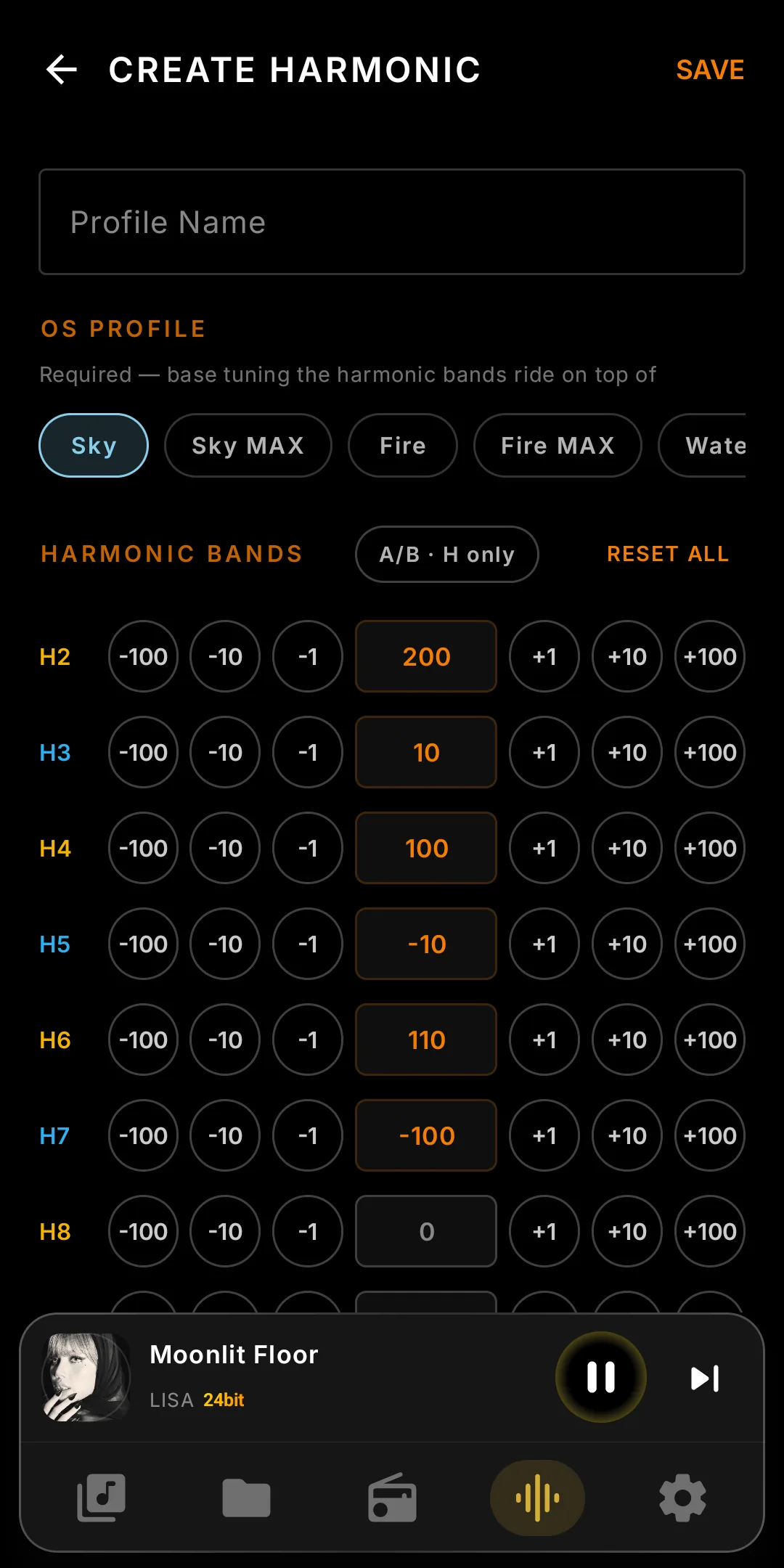
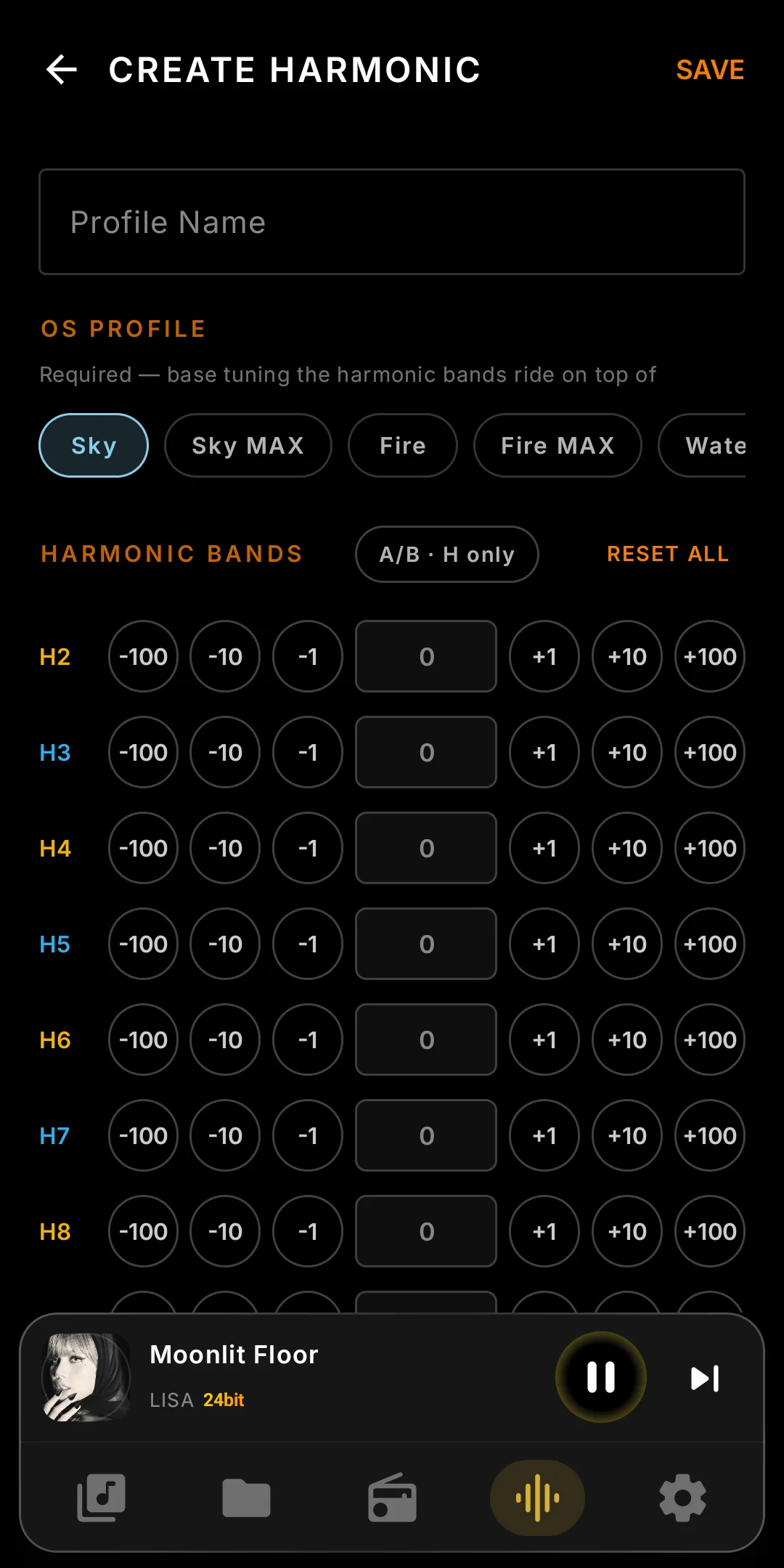
How it works. Press A/B and the FPGA zeroes every band; the button reads A · OFF and you hear the flat signal a $50 USB DAC outputs. Press again and your profile returns in about 5 milliseconds: no fade, no click, even mid-phrase.
Why it matters. Your memory of tonal balance fades in about three to five seconds. Slower comparisons pit a sound against a memory; instant A/B lets you judge what you hear.
While A/B is on, the sliders are locked. Deliberately: editing mid-comparison would only tell you something changed, not that it improved. Decide whether your tuning beats flat, turn A/B off, refine, and repeat until A wins consistently. Then save.
A/B test is, in our opinion, the single most important button on the create-profile screen. Use it often. Trust it more than the numbers.
Back to Infinity Player™
Explore the rest of the player's features, or return to the home page.
← Back to home