Bit-perfect first. Then your way.
Now Playing, the DAC's own NOS / OS and interpolation modes, ReplayGain, Tidal and Qobuz, Always On Display and the small controls that make long sessions easy.
Now Playing
Everything that used to be buried in a menu or a second page reads at a glance — without crowding the artwork.
Artwork First
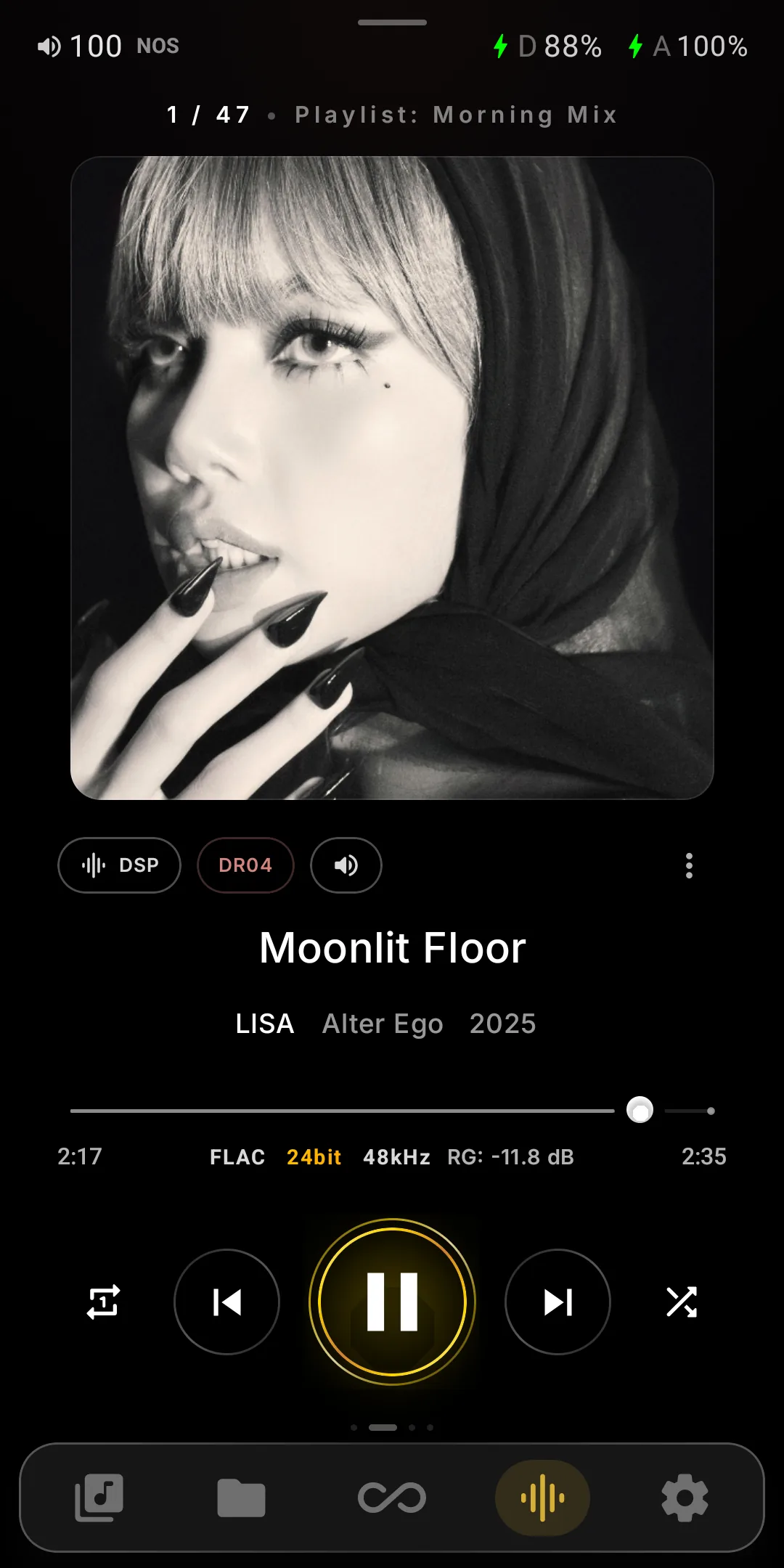
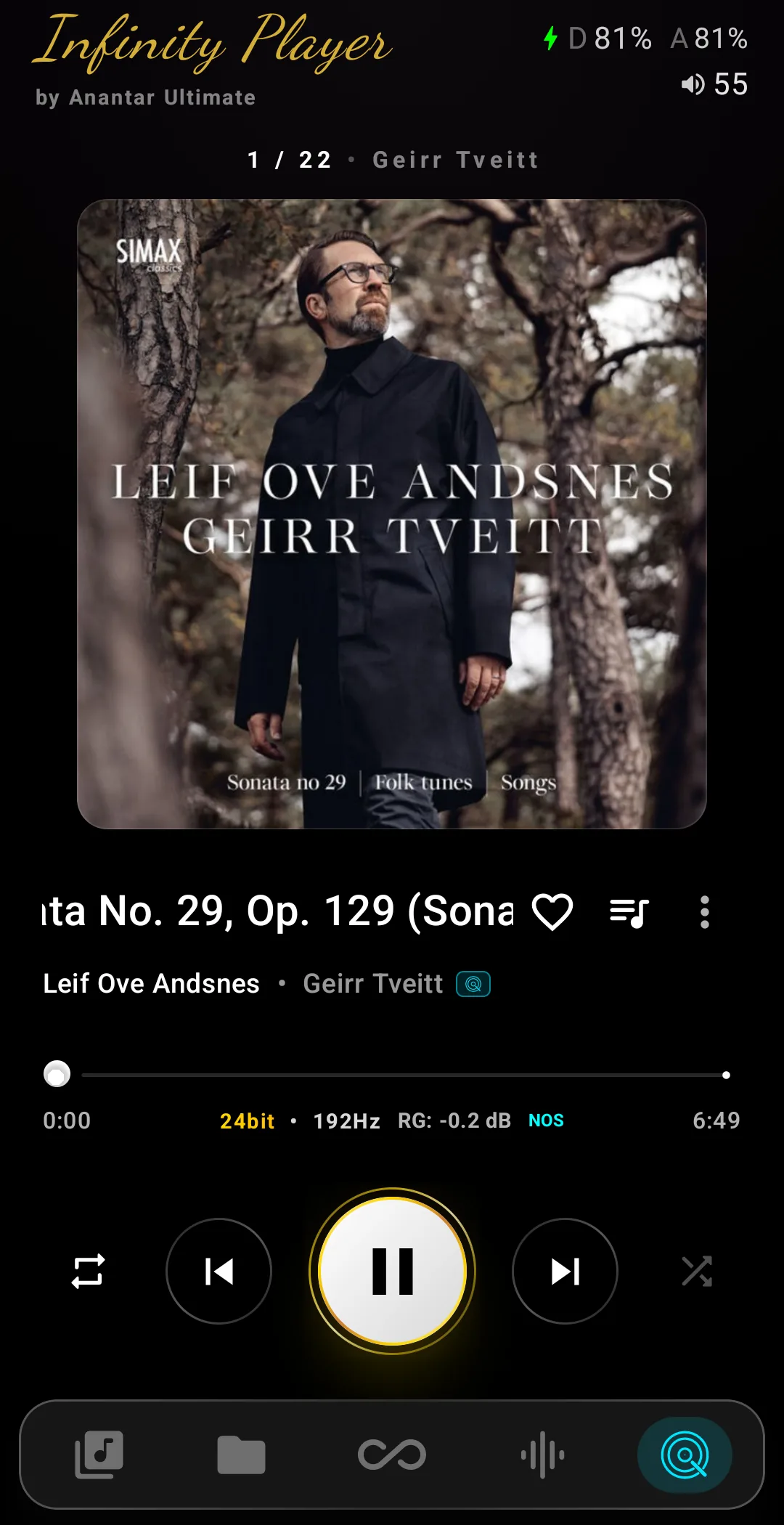
Large rounded album art sitting on an ambient glow pulled from the cover, with the playlist or source you came from named above it.
The Numbers, Inline
Format, bit depth, sample rate and the track's ReplayGain value sit under the seek bar — and DR and DSP ride as chips beside the art, no menu dive.
Status Along the Top
Volume, the current oversampling mode, charging state, and both the digital and analog battery levels on the DX340 family — all on one line.
Reachable Controls
A gold-ringed play control with repeat and shuffle either side, swipeable pages marked by dots, and a persistent bottom bar for library, folders, Infinity, visualizer and settings.
Streaming Services.
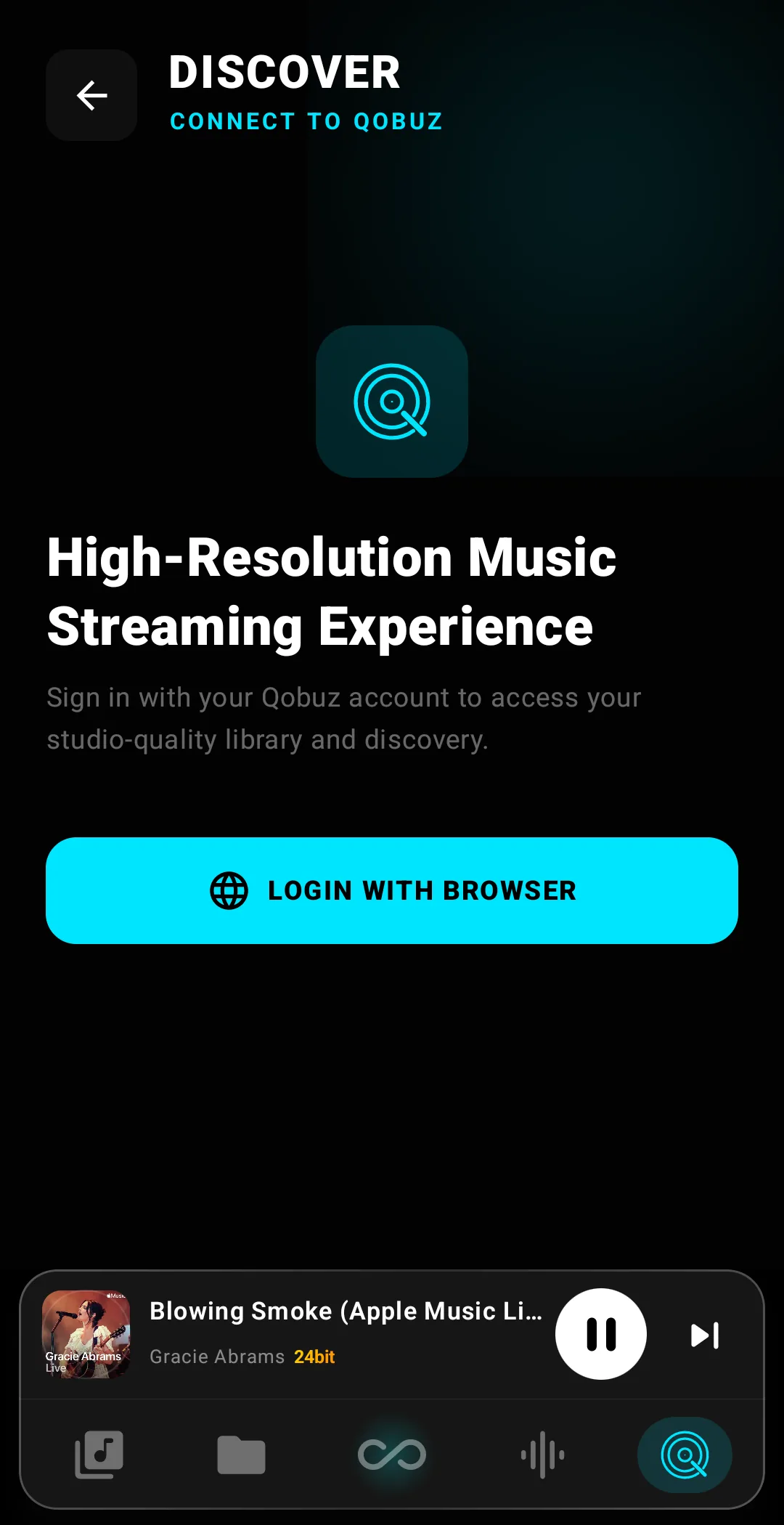
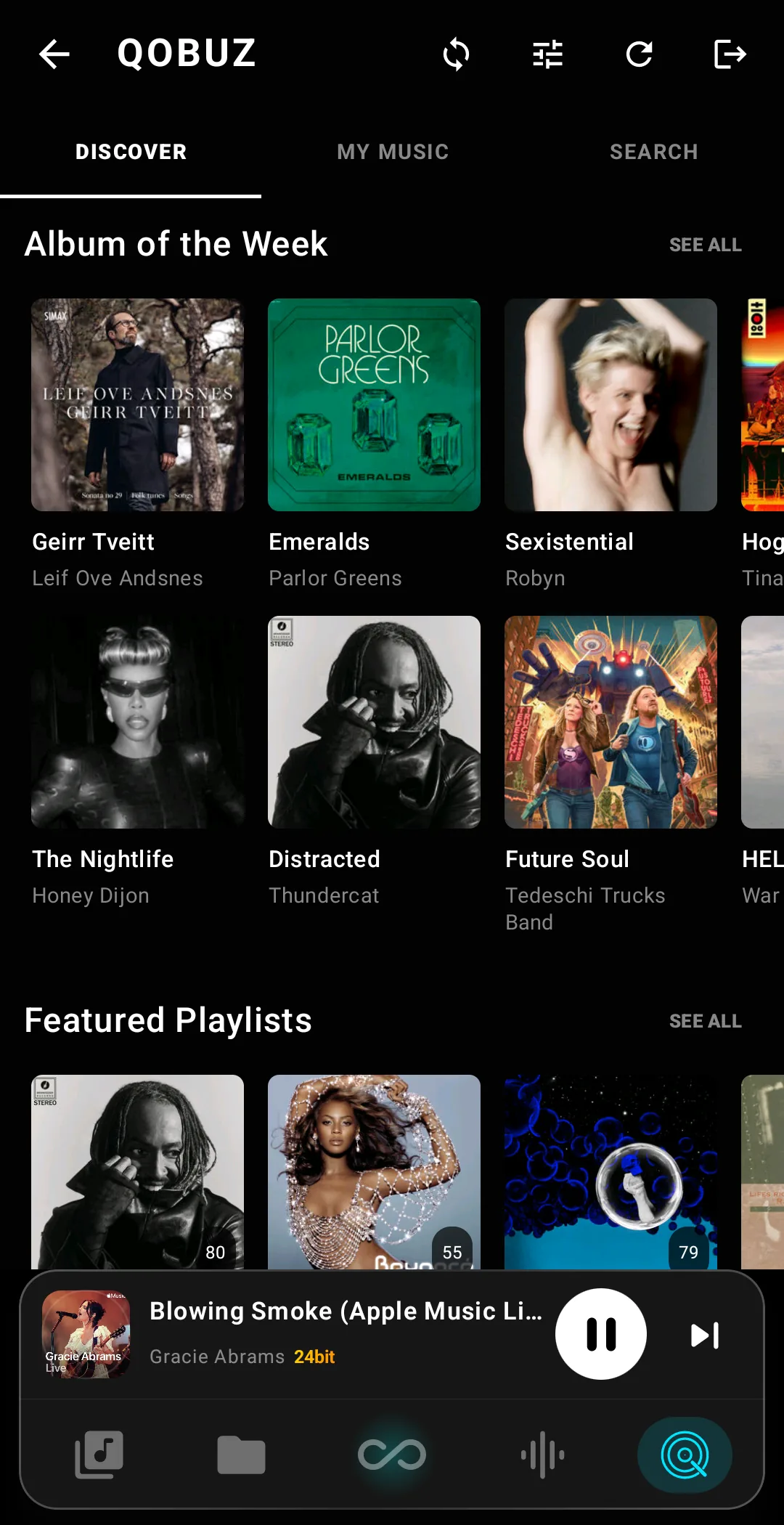
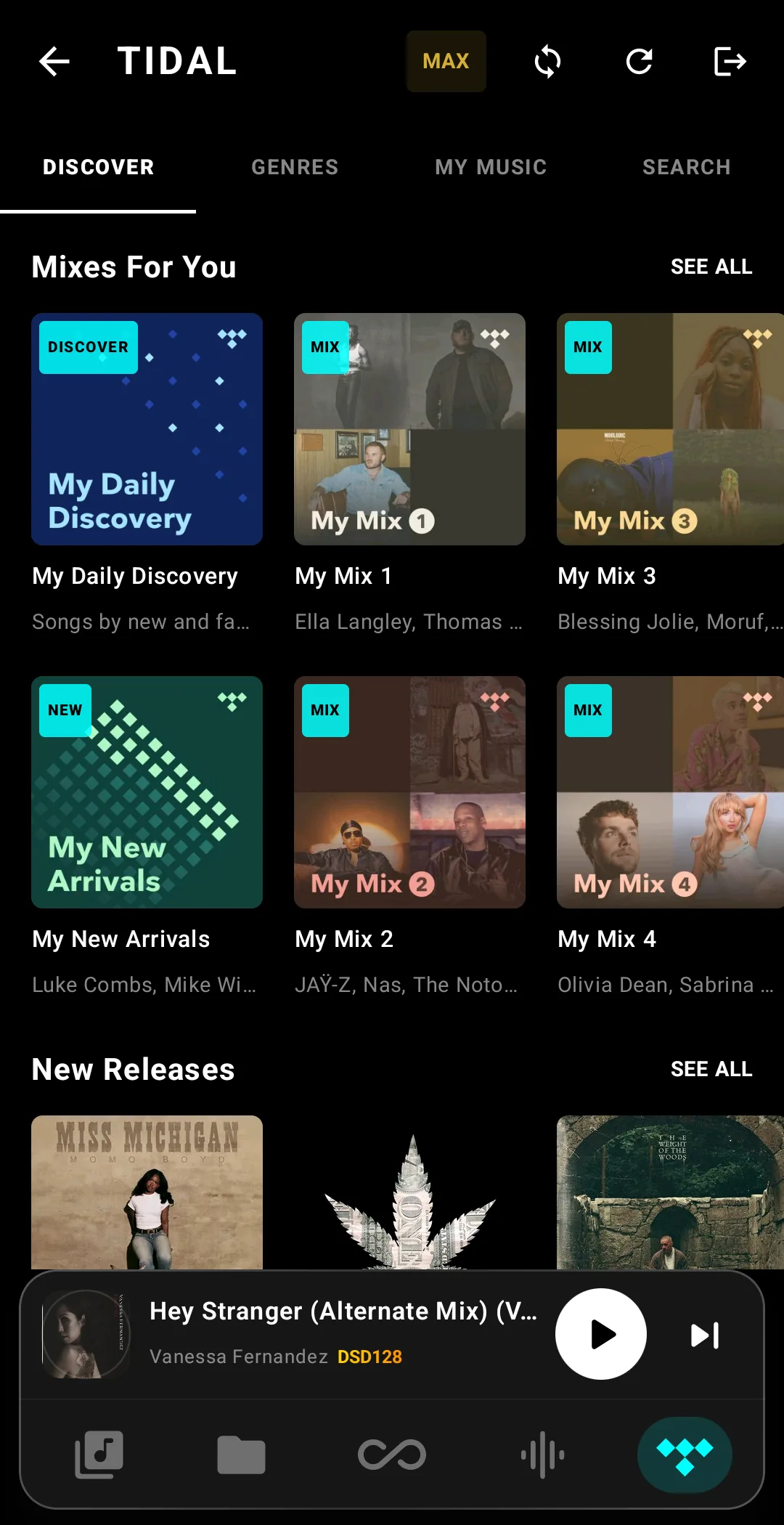
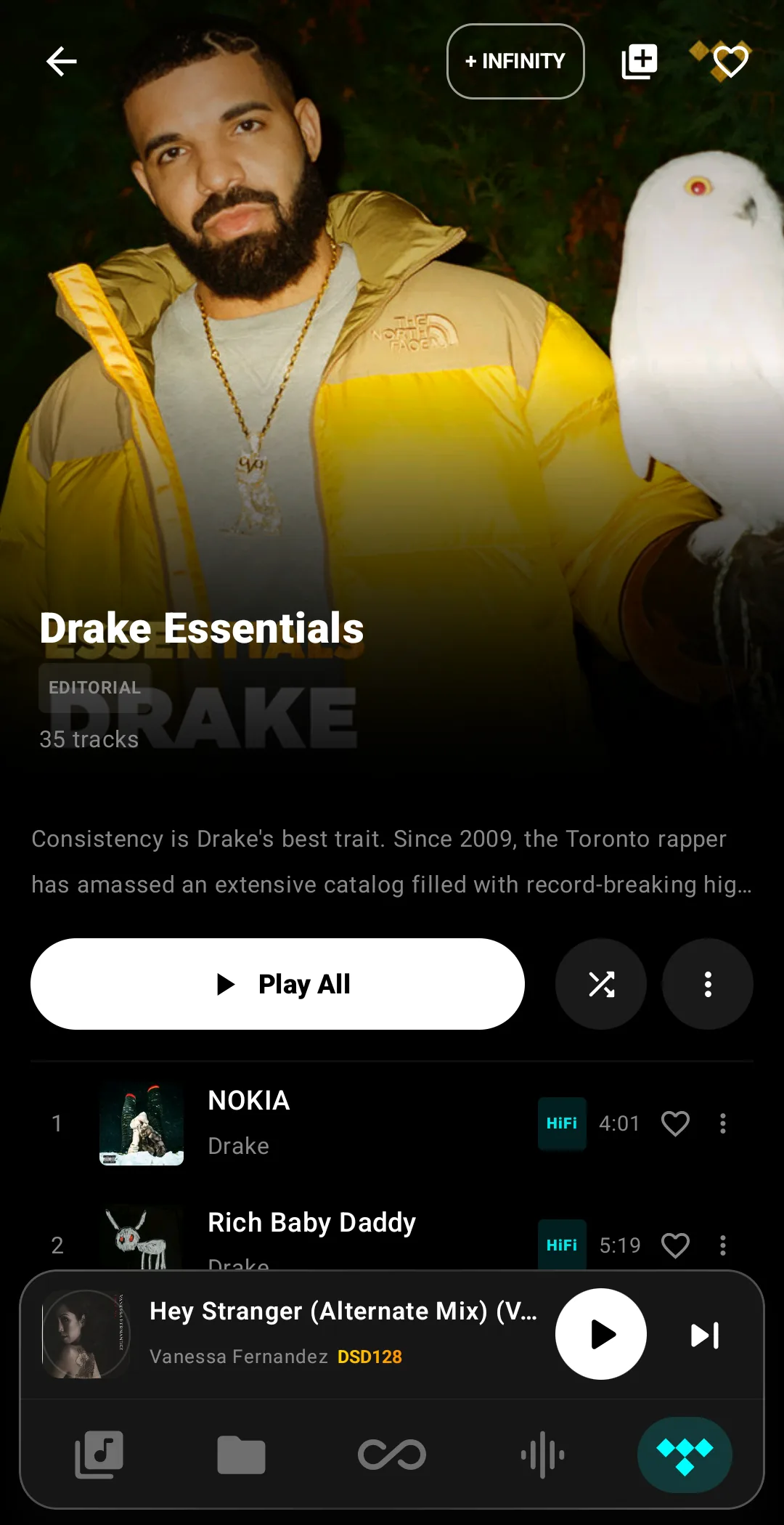
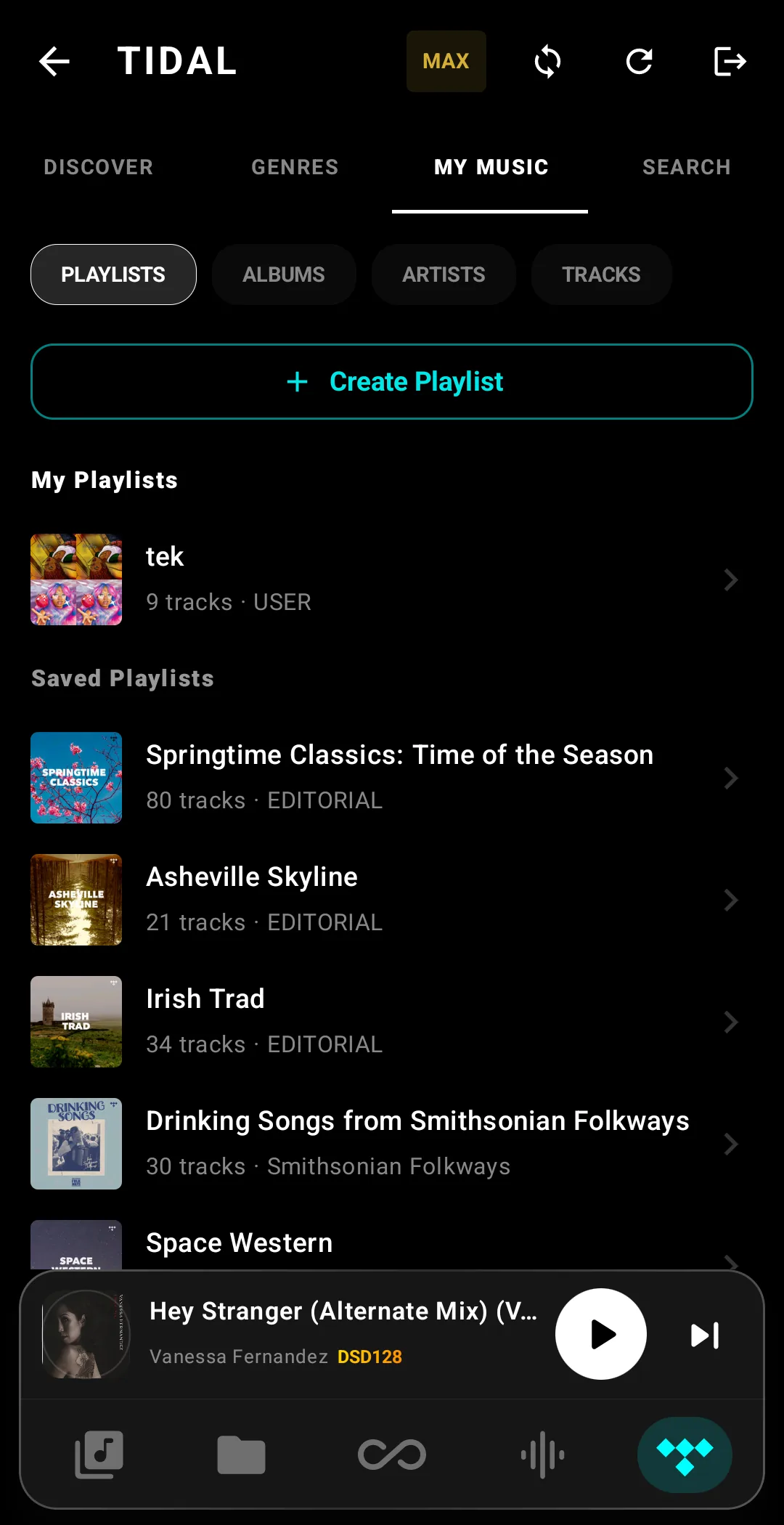
Qobuz (FLAC up to 24-bit / 192 kHz), Tidal and Radio Paradise (Block, Live, offline cache), built in and bit-perfect to the DAC, bypassing Android.
Always On Display.
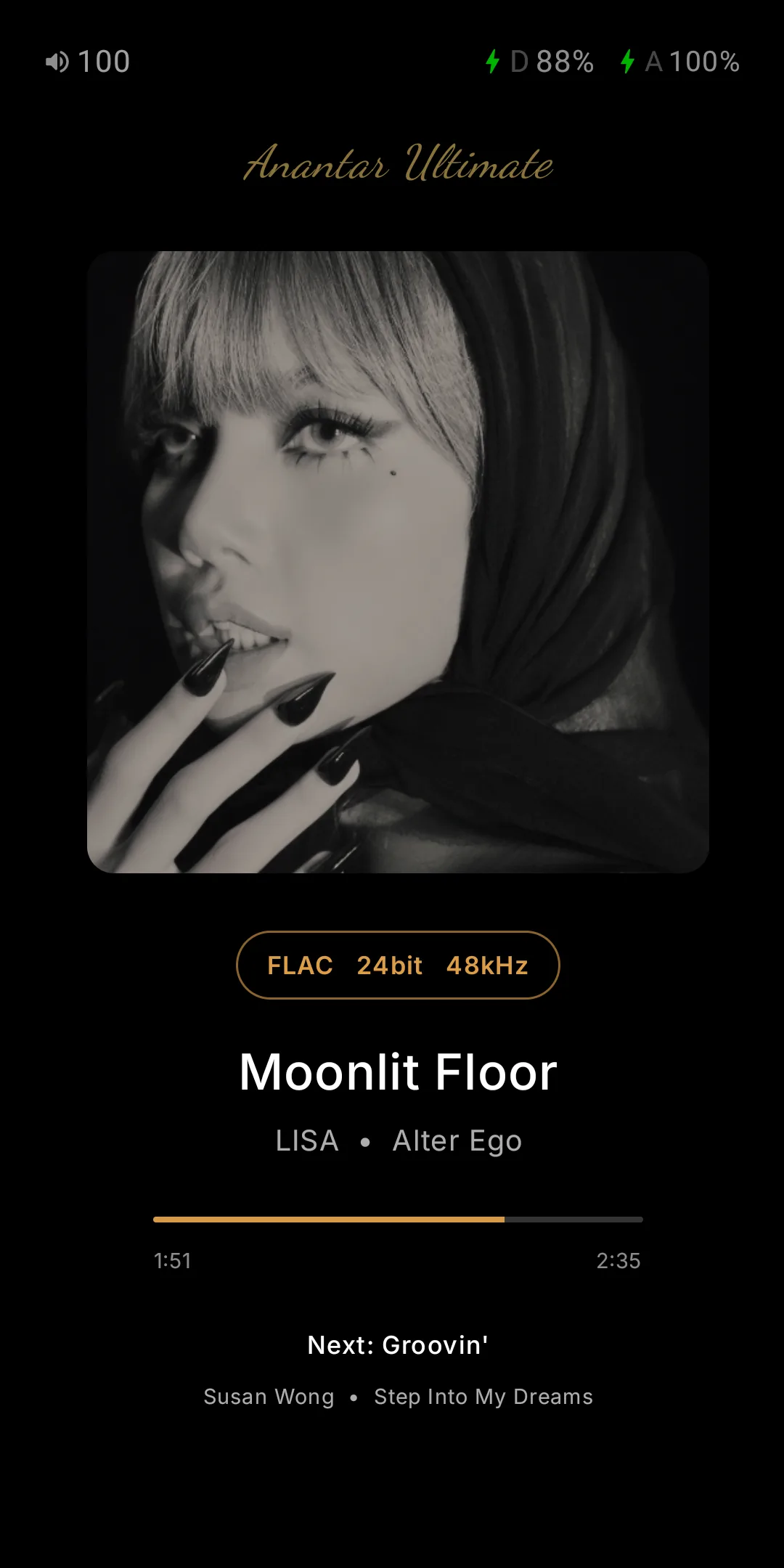
Docked and playing, the OLED panel becomes a true-black now-playing screen instead of going dark — everything at a glance, without waking the player.
- Everything at a Glance — dimmed album art, title, artist, format, seek position, the next track, plus battery, charging and output status.
- Kind to the Panel — brightness from 1–20%, a 60-second pixel shift, and a 5-second poll so it barely wakes the CPU.
- On Your Terms — auto-on while charging by default; enable it on battery too. Idle delay and up-next line configurable.
- Tap or Hold to Exit — tap anywhere, or switch to hold-to-exit with a 750 ms progress ring so a stray touch never drops you out.
DX340 and DX340Max only. See the device feature matrix →
TrueNOS, NOS & OS — Choose Your Sound.DX340 & DX340Max only
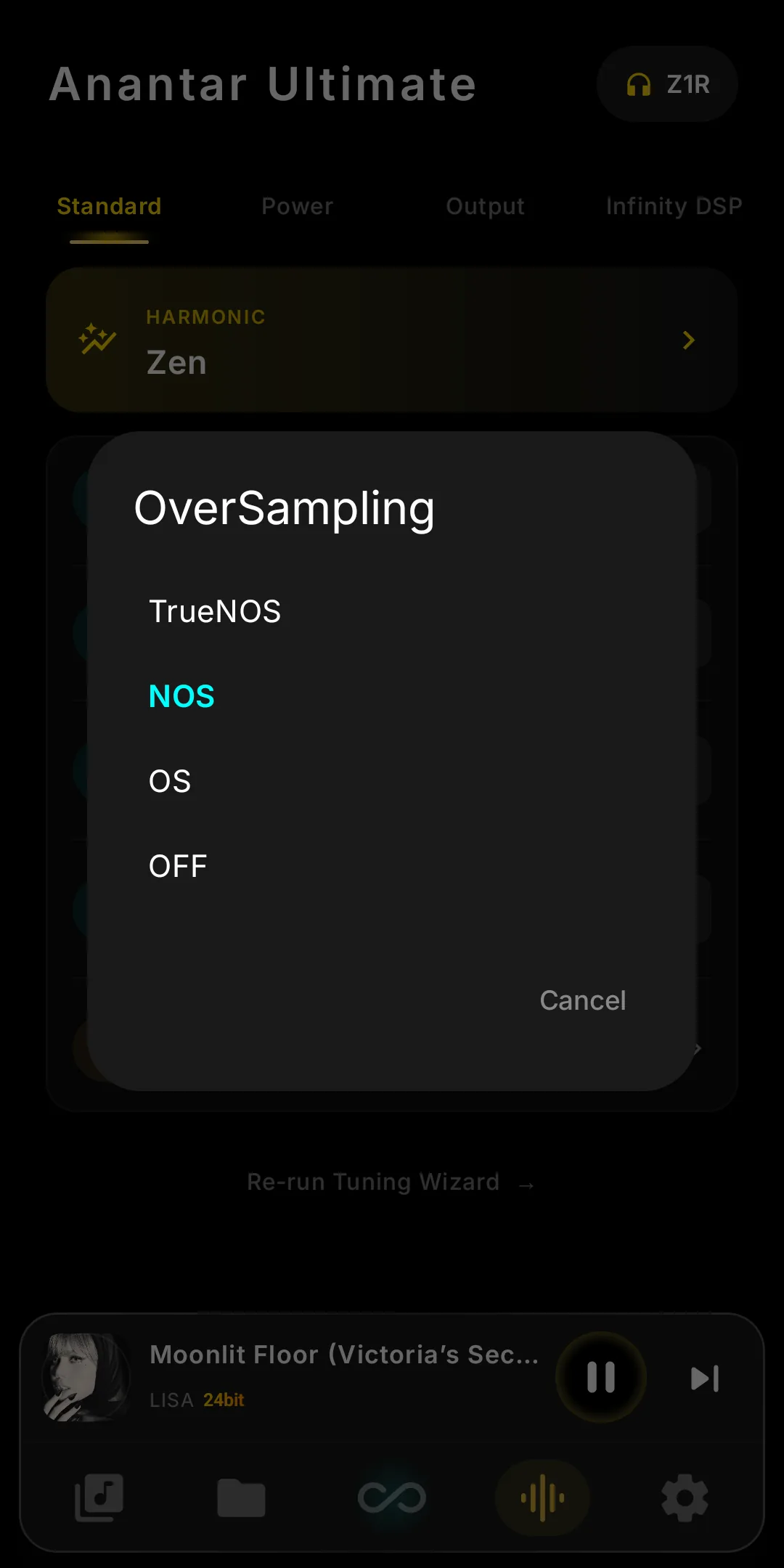
Modern DACs oversample before conversion. Pick raw NOS (Non-Oversampling) or smooth OS (Oversampling) — plus TrueNOS on the DX340Max — switched live, no reboot.
TrueNOSDX340Max
The deepest NOS mode: the CT7302 skips factory oversampling entirely, so the DAC converts the file's own samples. Added for the DX340Max in V10.5.
NOS — Non-Oversampling
Native samples reach the DAC uninterpolated. Many hear NOS as more direct and “alive”, with sharper transients; high-frequency aliasing rarely shows on good recordings.
OS — Oversampling
The DAC's internal digital filter interpolates samples up to a higher rate before conversion. Smoother top end, lower out-of-band noise, the conventional “reference” sound that most measurement-focused designs target.
All three modes are bit-perfect; the choice is preference, not fidelity. Infinity Player is the only DX340 player to A/B them live.
Smooth, Balanced, or Detailed.DX340 & DX340Max only
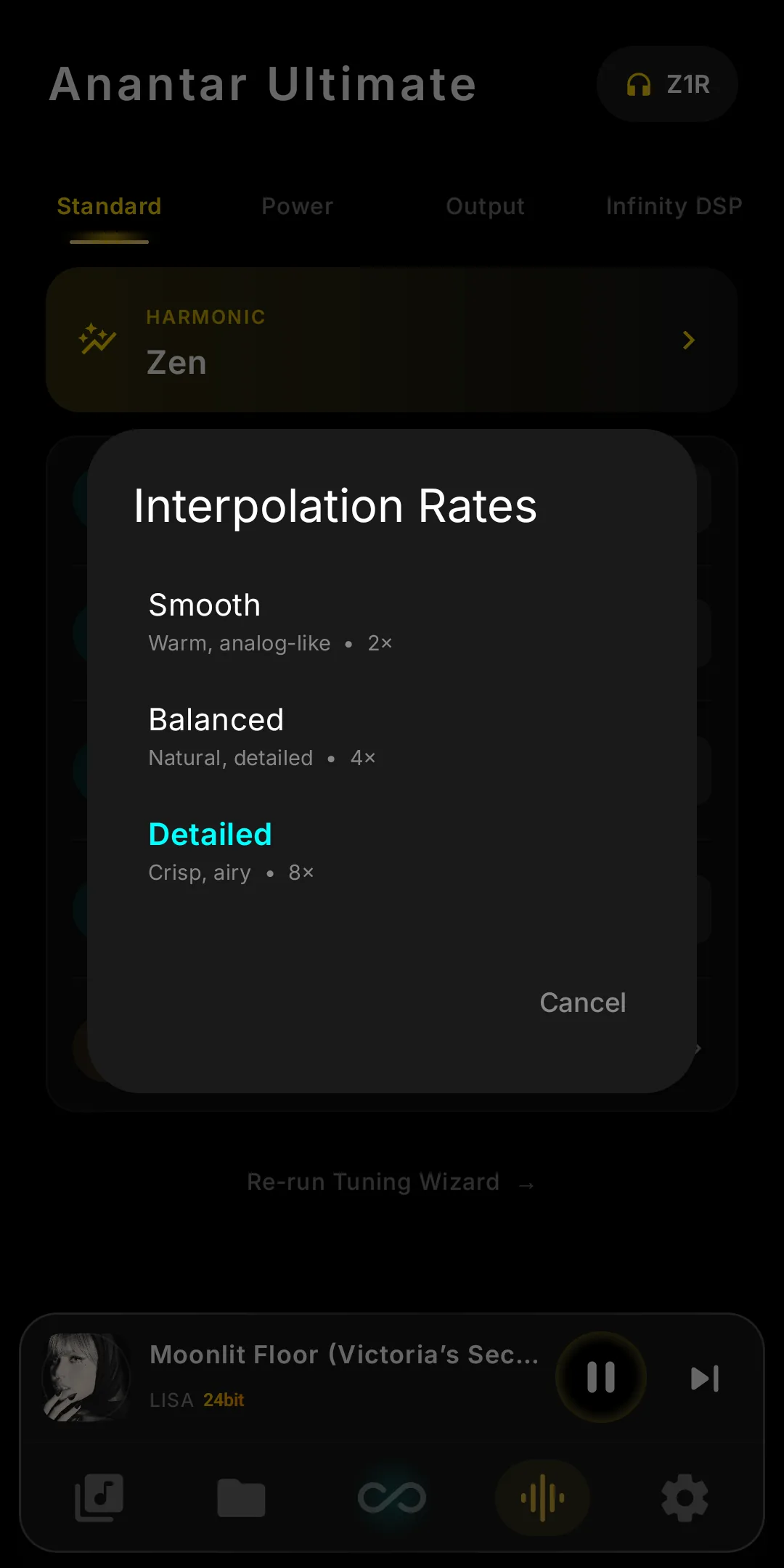
Three voicings, one tap: set the CT7302's interpolation rate from a warm, analogue-leaning 2× to the crisp, airy 8× iBasso ships by default.
Smooth
2×Warm, analog-like. Softer leading edges and a relaxed top end — the most forgiving voicing for bright recordings or long listening sessions.
Balanced
4×Natural, detailed. The middle ground — neither rolled-off nor edgy. A safe default for most genres and most ears.
Detailed
8×Crisp, airy. Maximum extension and transient bite — the voicing iBasso ships by default on DX340.
All three are bit-perfect to the file. R&D by Koal13.
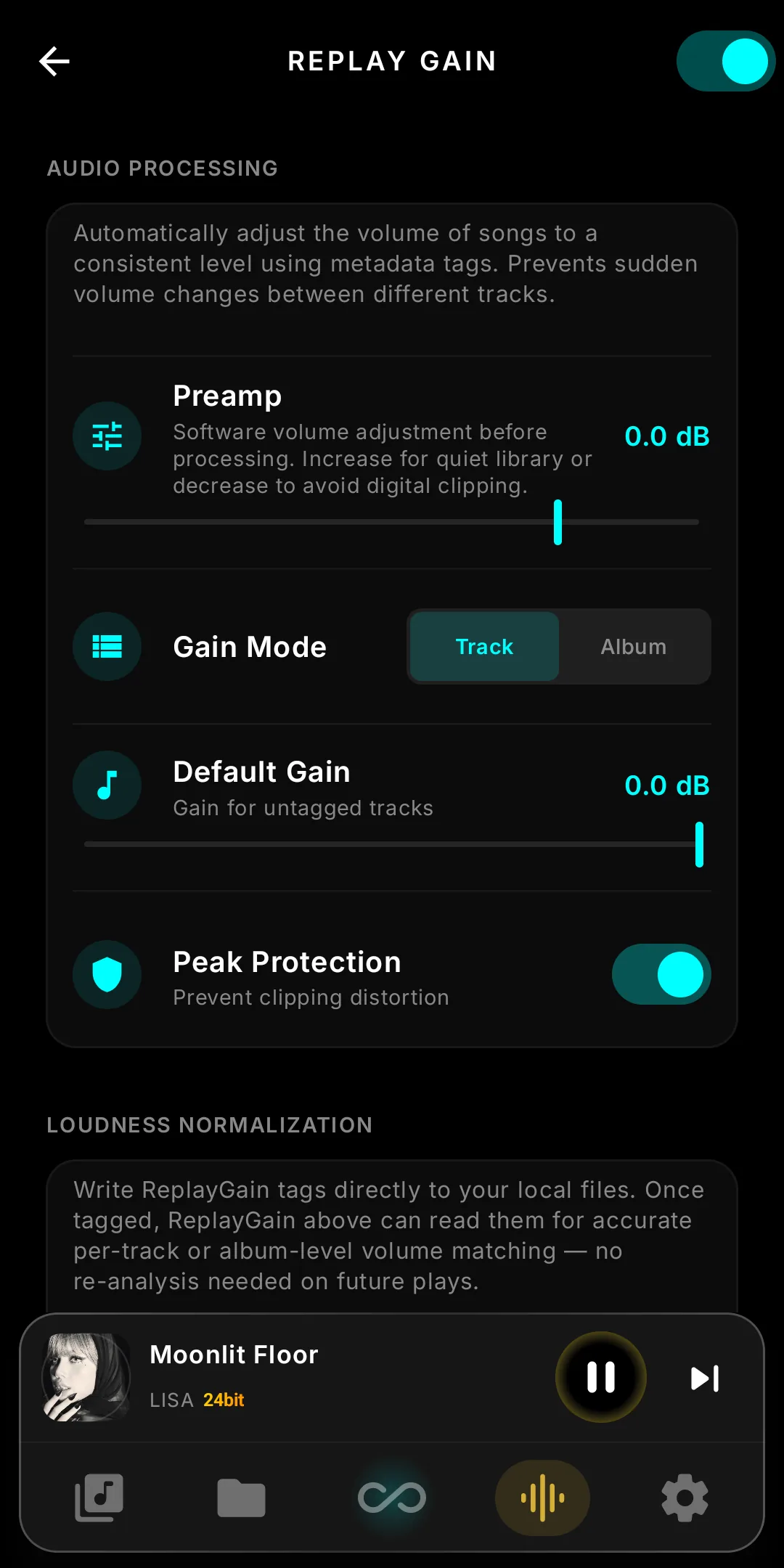
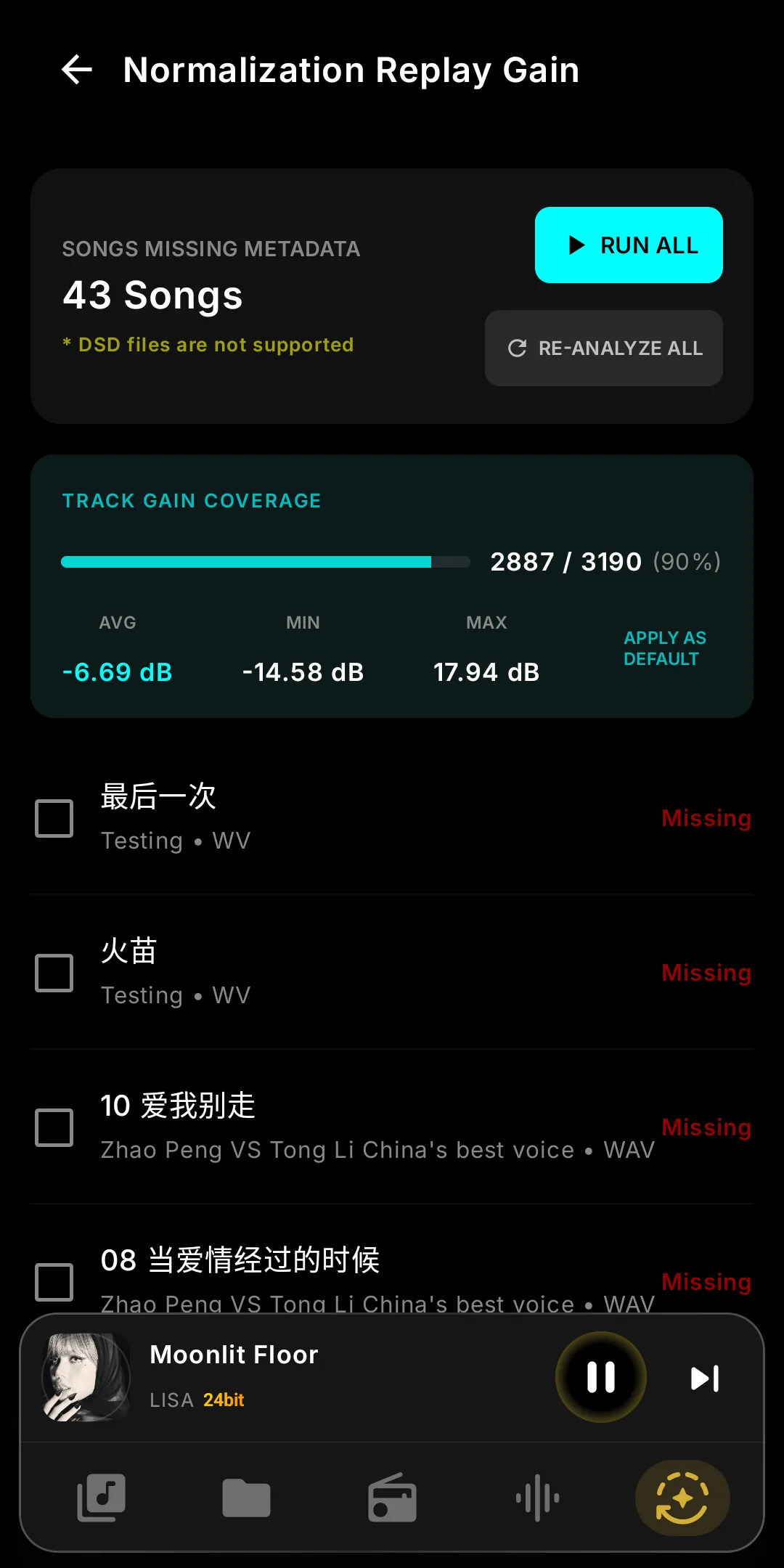
Perfect Balance. Zero Clipping.
Experience a seamless listening session across your entire library. Our engine automatically calculates and adjusts track loudness without altering dynamic range or introducing digital artifacts.
- ReplayGain Support — Native tag reading for Track and Album-level gain.
- ⚖️ Intelligent Normalization — Consistent loudness transitions across genres.
- Clipping Protection — Prevent digital clipping on highly-compressed loud tracks.
- Pre-Amp Headroom — Safely pull back gain before passing to the hardware DAC.
- Software Volume Control — Attenuation in the player for devices and outputs without a hardware volume path.
- Volume Knob Control — Map the physical knob the way you want it.
Everything under your control.
Tailor every aspect of your listening experience with a deep suite of preference controls specifically designed for audiophile workflows.
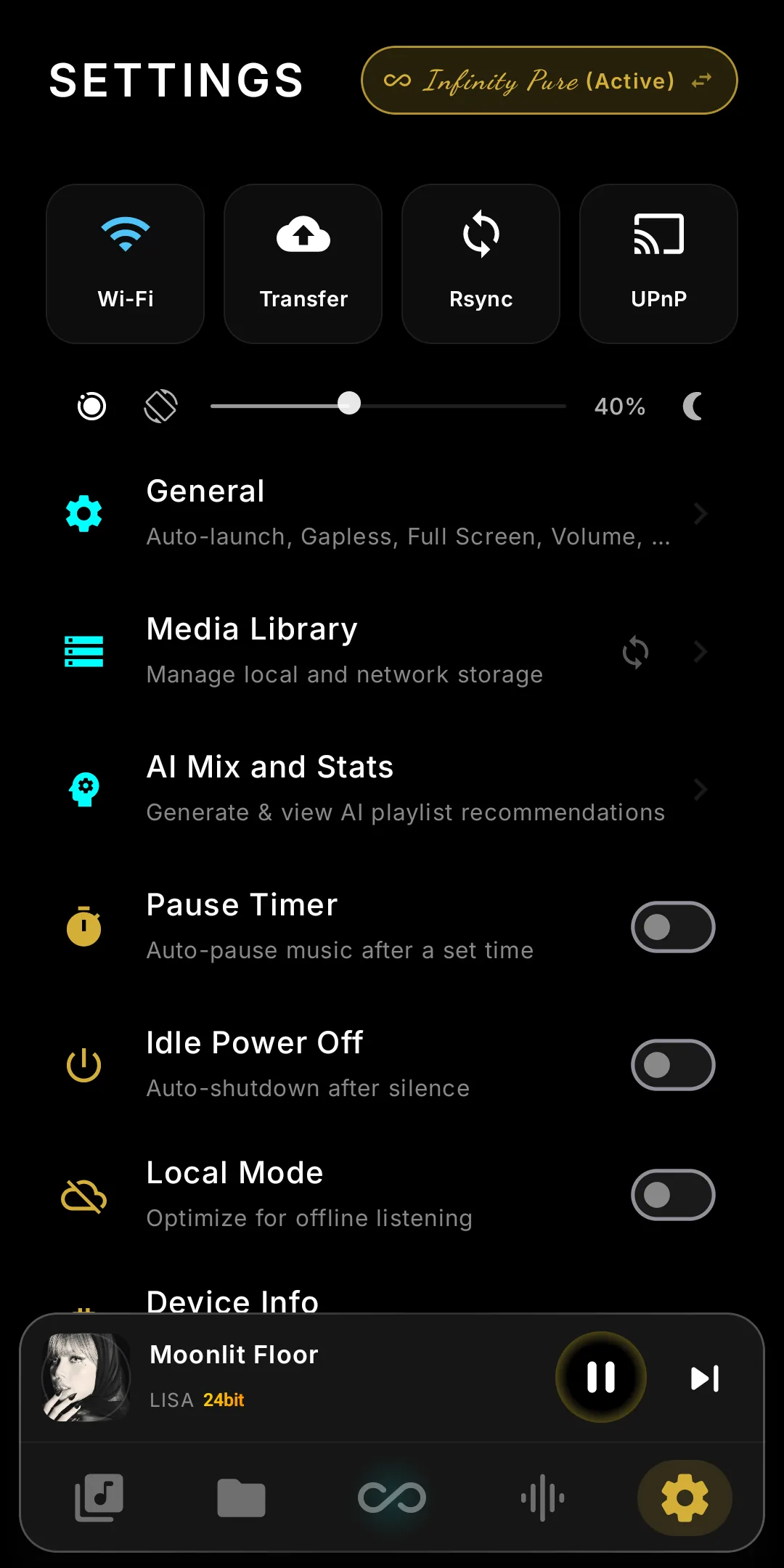
- Pause Timer — Automate playback stops for bedtime listening.
- PO Volume Limit — Protect your sensitive IEMs.
- Gapless Playback — Uninterrupted concept albums.
- Pause on Unplug — Instant silence when disconnecting cables.
- Fullscreen Mode — Deep integration and immersive display.
- Auto-Launch at Boot — Music ready the moment you power on.
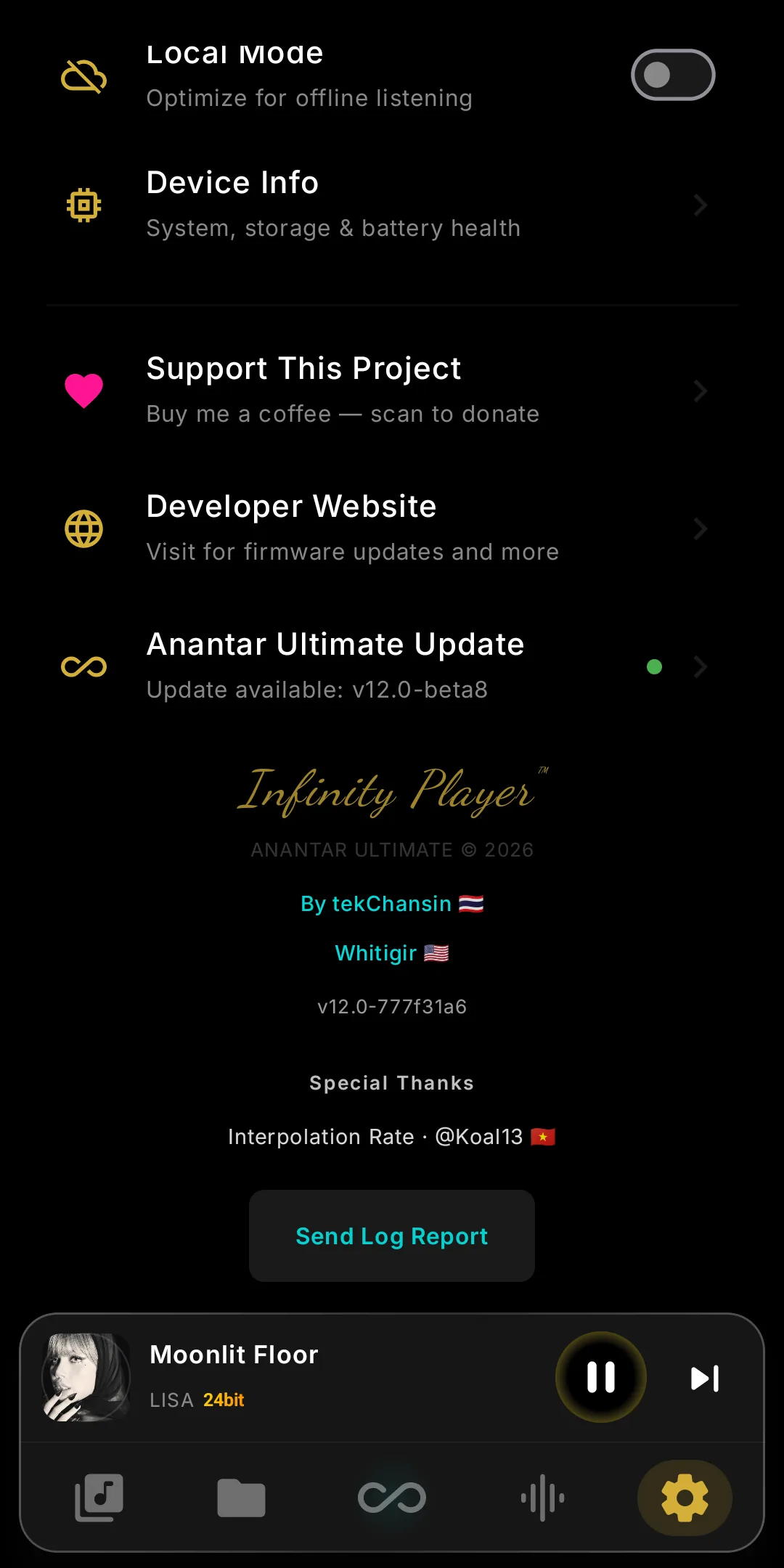
- Network tiles — Wi-Fi, WiFi Transfer, Rsync and UPnP sit at the top of Settings; the icon colour shows what is on.
- Local Mode — Wi-Fi and Bluetooth stay off, streaming greys out, network features pause. L/R balance reads in dB, and a VPN can be set up again.