↑ Updates
OTA Updates — No PC Required
Once installed, future versions update straight from the device. No computer needed — everything happens inside Infinity Player.
1
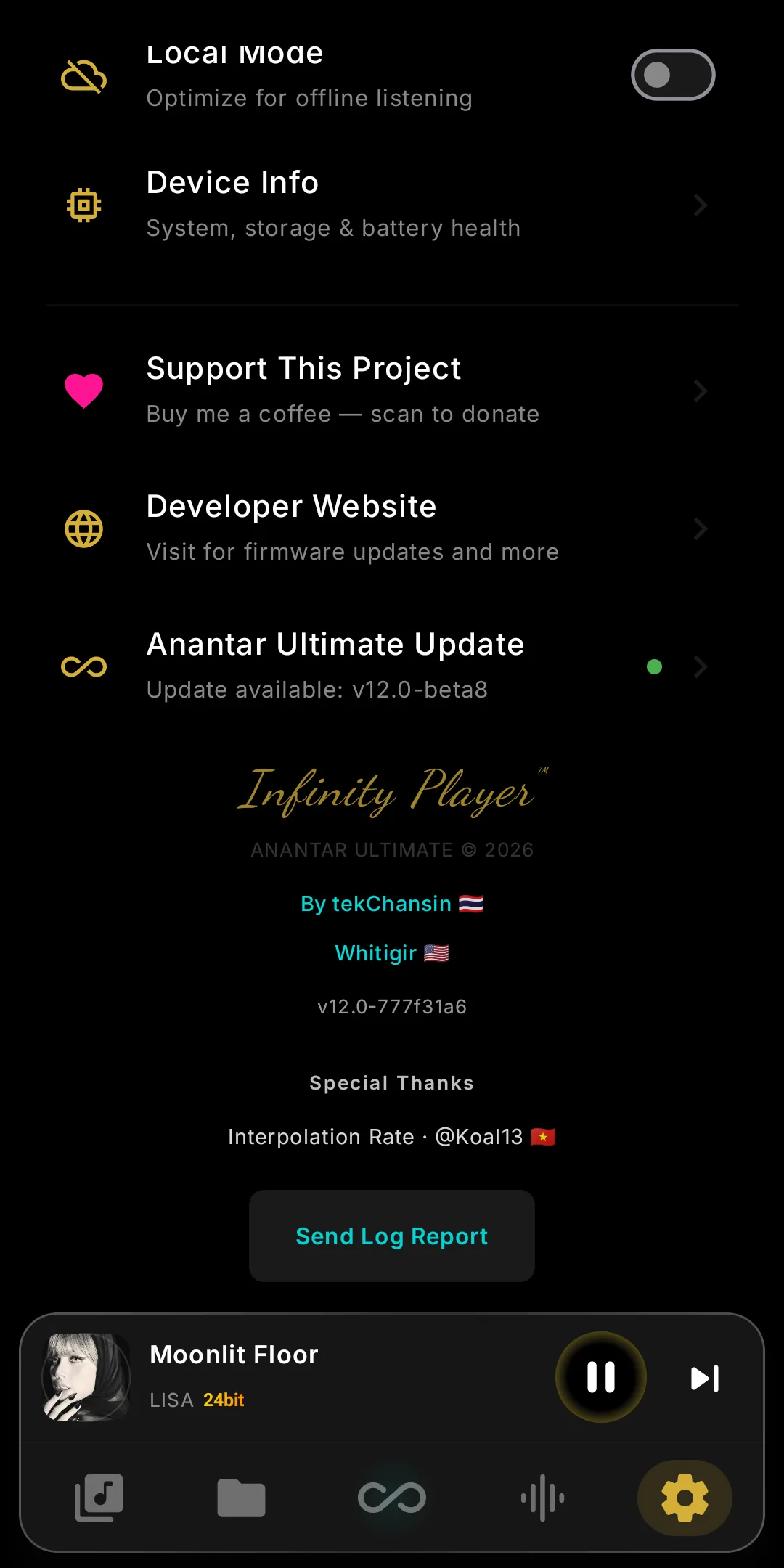
Open Infinity Player › Settings
Launch Infinity Player and open Settings.
2
Tap Anantar Ultimate Update
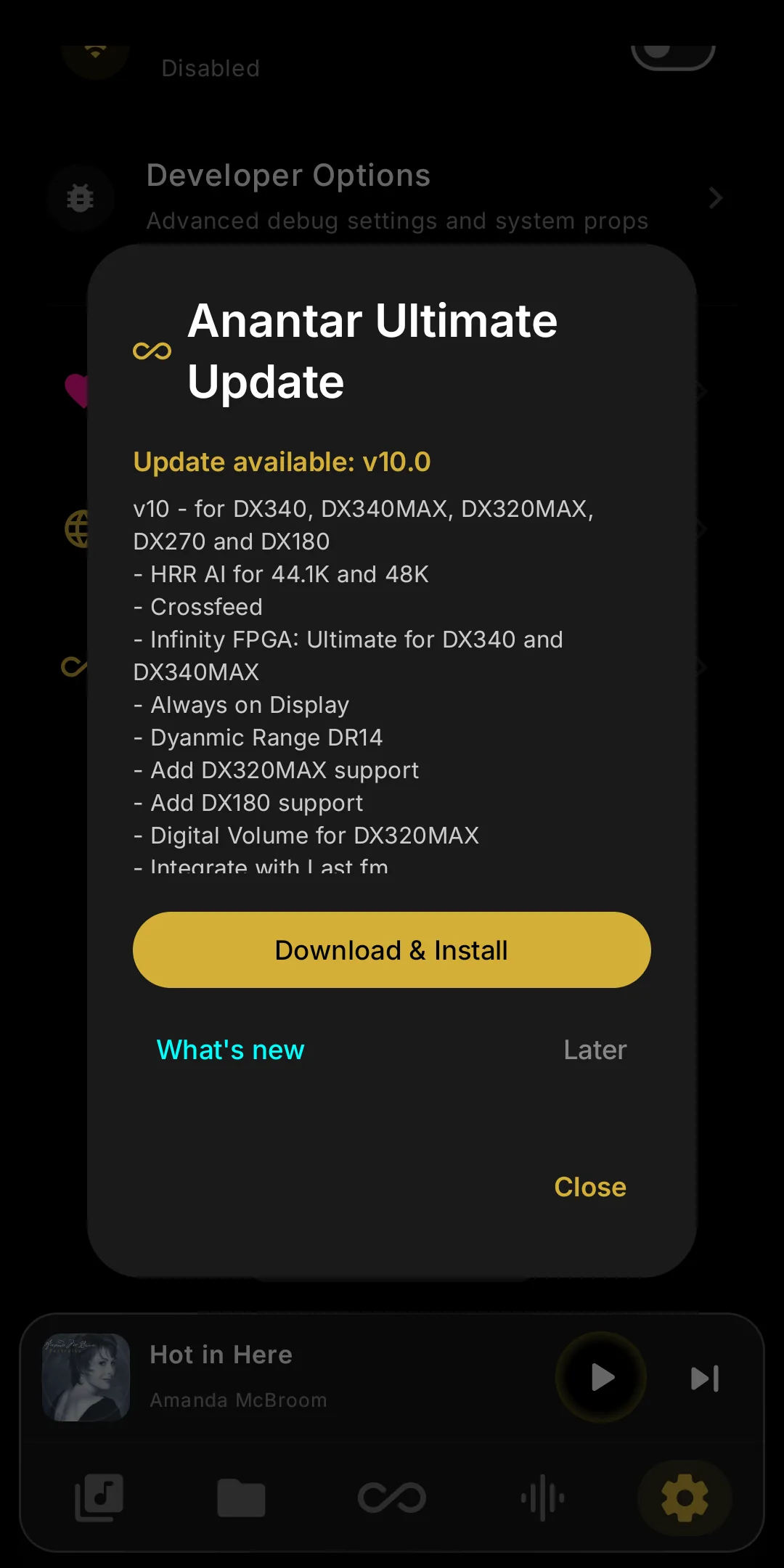
Scroll to Anantar Ultimate Update. It checks for the latest version and shows what's new.
3
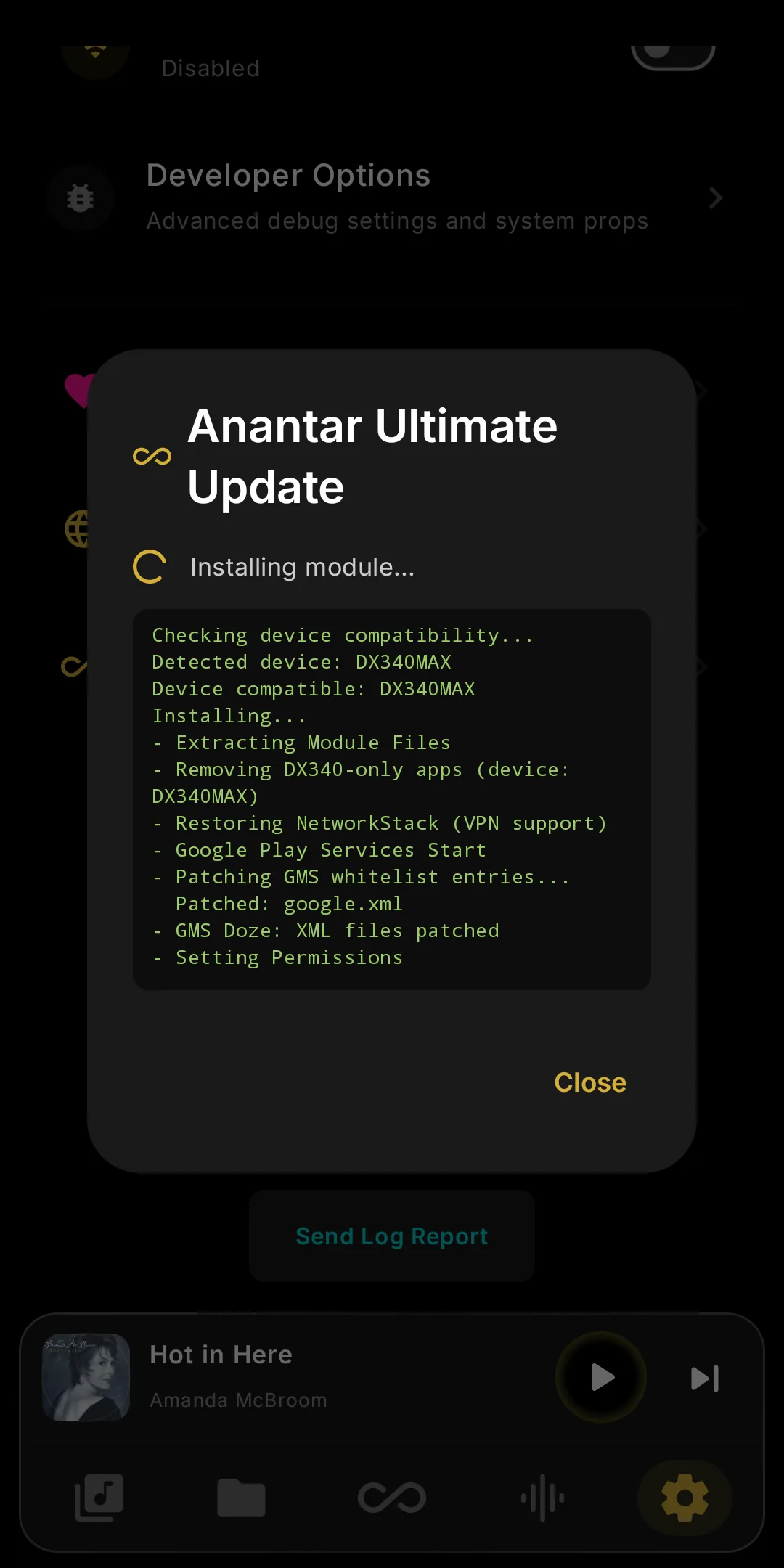
Tap Update and wait
Tap Update and let it download and install. The DAP reboots by itself — done.
Stable or Beta: pick the channel on the same screen. Beta gets features first but is one-way until the next Stable. Infinity Player updates with the module.