Infinity DSP.
Remaster to DSD and rebuild the air above 14 kHz in Infinity Pure; the tube, vinyl and chassis engines run in Android mode too.
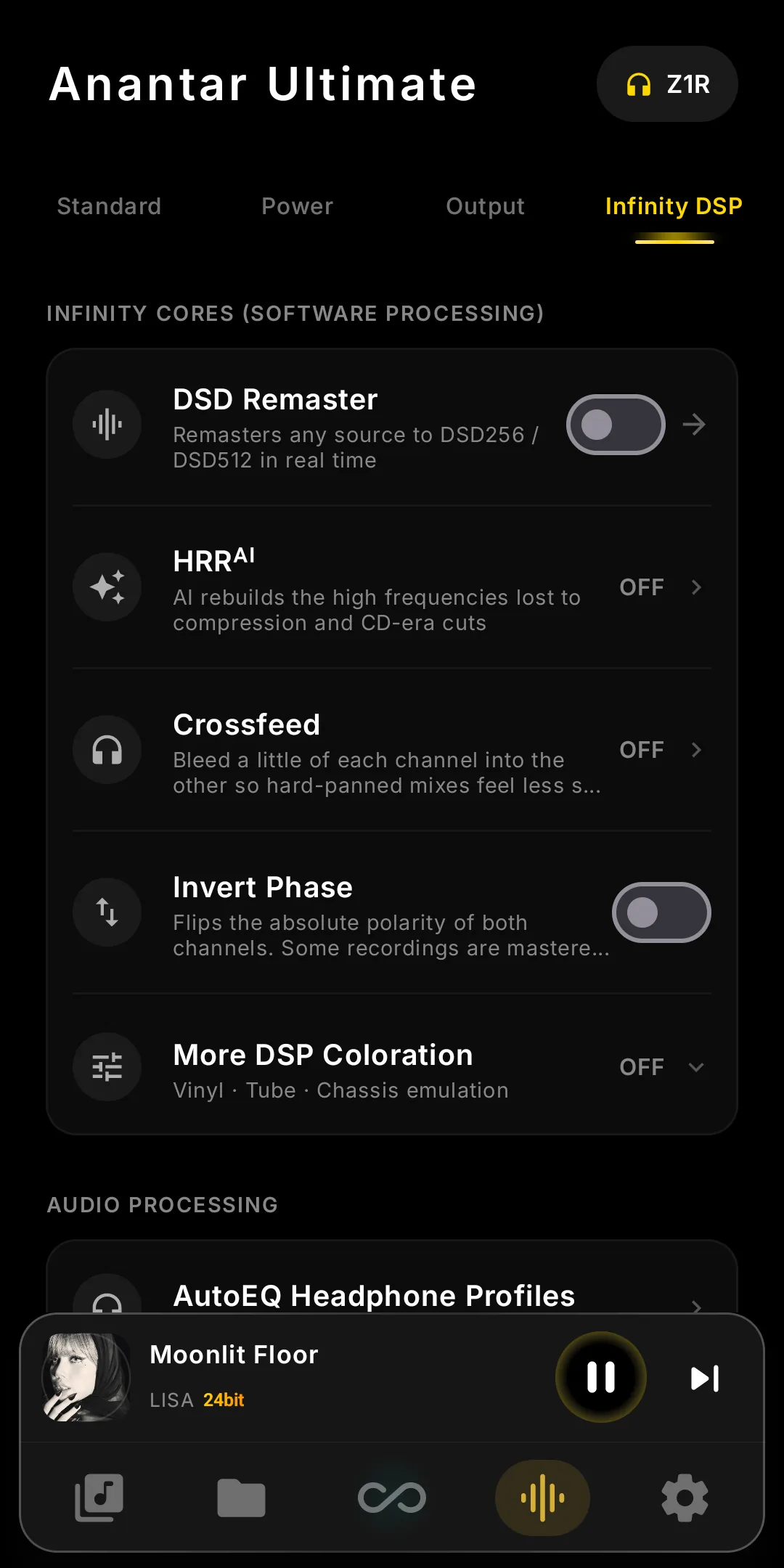
The Infinity DSP panel — one tap from Now Playing.
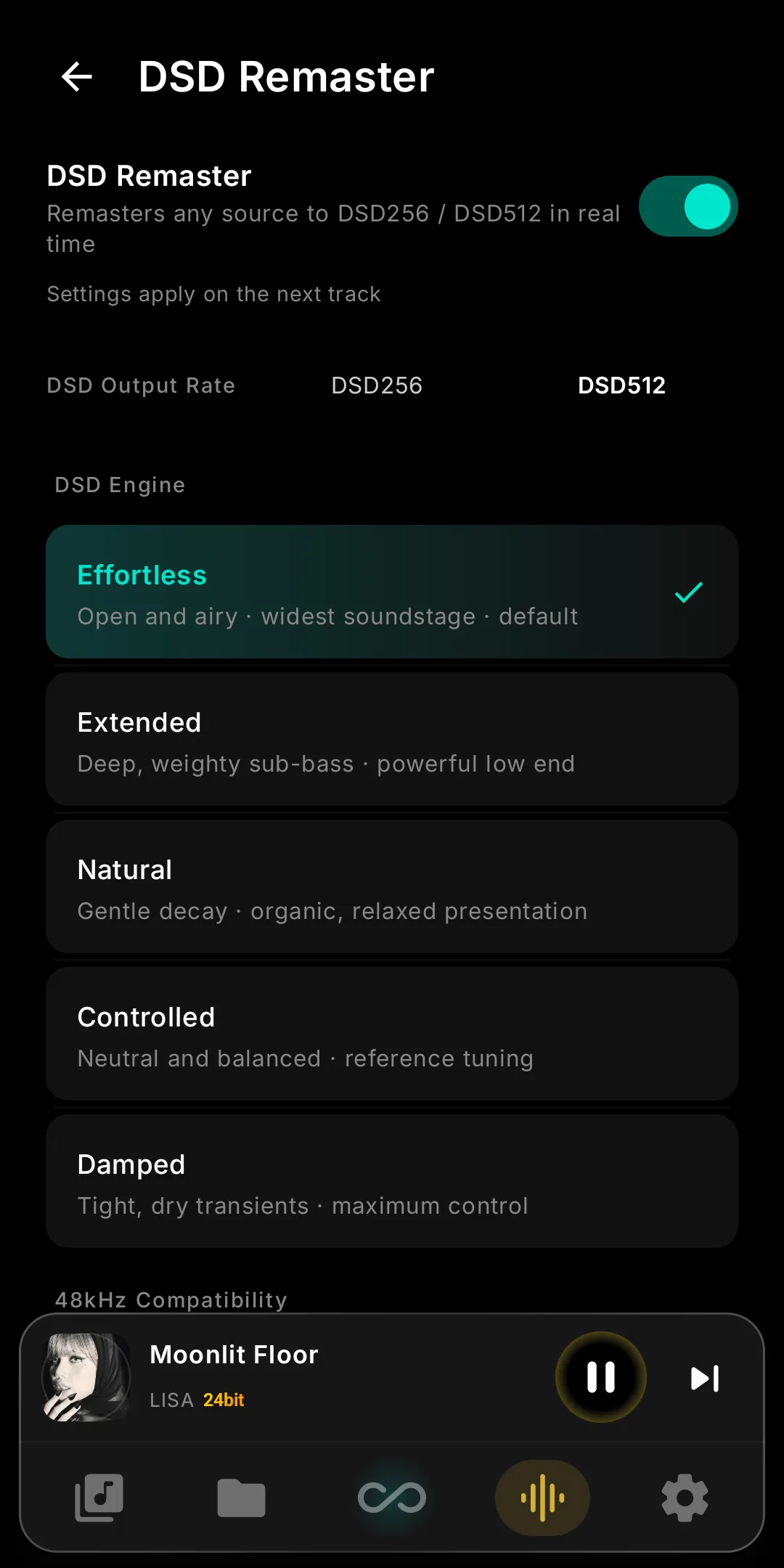
DSD Remaster Engine
Remaster any PCM track to DSD512 in real time, on-device. Five DSD Engine modes let you tune the character — from open and airy to tight and controlled.
- Five DSD Engine modes — Effortless, Extended, Natural, Controlled, and Damped, each with its own character.
- DSD Output Rate — DSD256 is lighter on the battery; DSD512 is the full-effort setting. On most headphones the difference is small.
- Headroom — how much room the conversion leaves for peaks. The default suits every commercial master; go lower only for loudness-war files that already clip.
- Native DSD passes through untouched, and switching the engine off is bit-identical to plain Infinity Pure playback.
Infinity Pure only. DSD Remaster and HRRAI use the audio path Infinity Pure opens and can't run together. Settings change on the next track.
HRRAI — Neural High-Frequency Reconstruction
On-device AI that rebuilds the high-frequency detail lost in CD-quality masters. It synthesizes the harmonic air above 14 kHz — it does not upsample or add resolution.
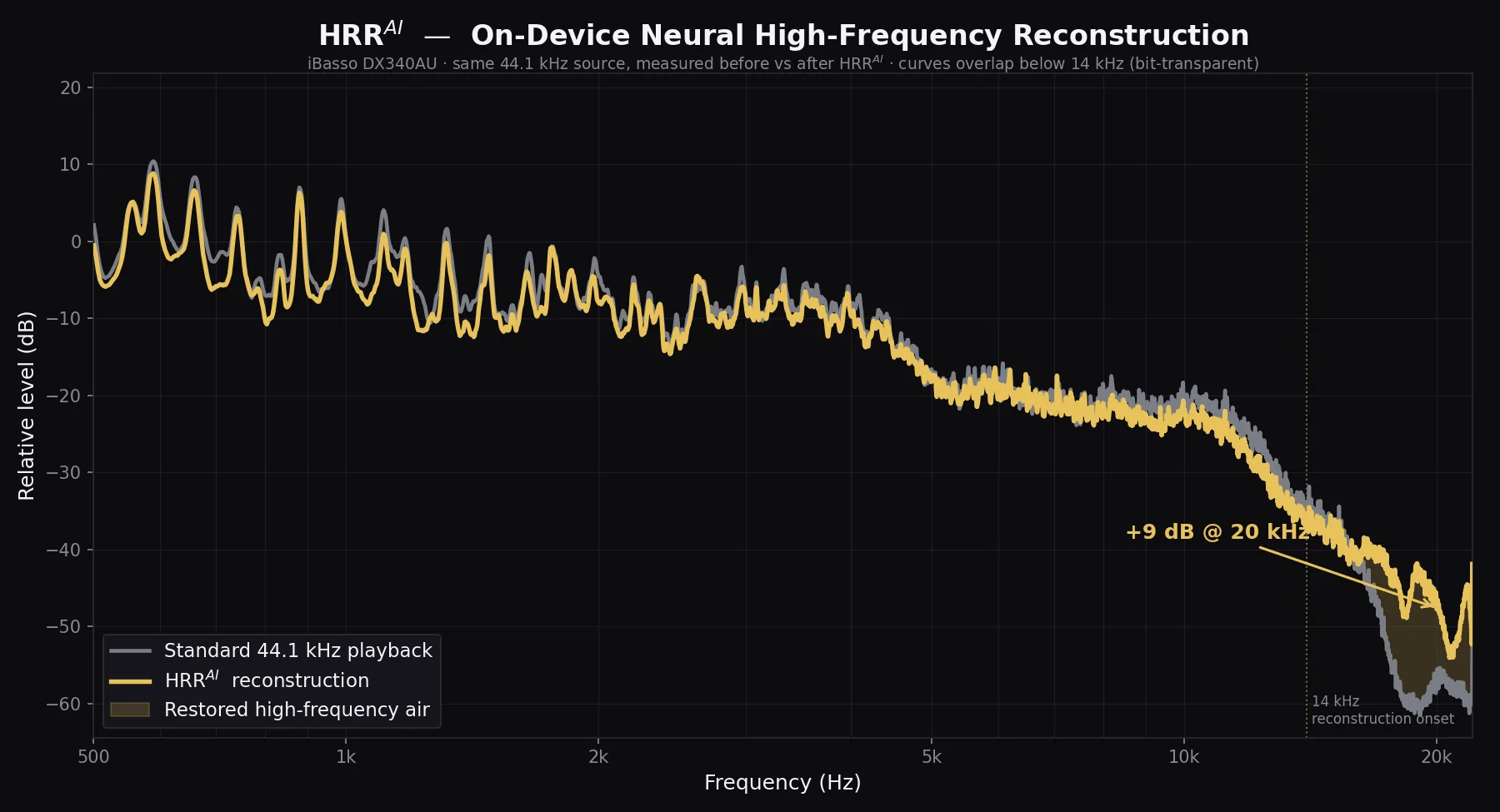
Measured on iBasso DX340AU, same 44.1 kHz source, before vs after. Below 14 kHz the curves overlap (bit-transparent); HRRAI only synthesises the air above.
- Runs entirely on the device's GPU — no cloud, no upload, real-time during playback.
- A compact neural network trained to synthesize the harmonic air above 14 kHz that standard 44.1 / 48 kHz sources roll off.
- No upsampling, no rate conversion — it adds spectral content only; everything below 14 kHz passes through bit-transparent.
- Measured on the DX340AU: +8 dB at 18 kHz, up to +12 dB at 20 kHz of restored high-frequency energy.
- Two models — HRR (light) and HRReX (full) — auto-selected by the player.
HRRAI engages on 44.1 kHz and 48 kHz sources. Hi-Res and DSD already carry full bandwidth and are passed through untouched. Requires Infinity Pure mode.
Tube, Vinyl & Chassis Engine
Version 2 rebuilt all three engines on real physics. Each is loudness-matched, so you hear character, not volume, and native DSD always passes untouched.
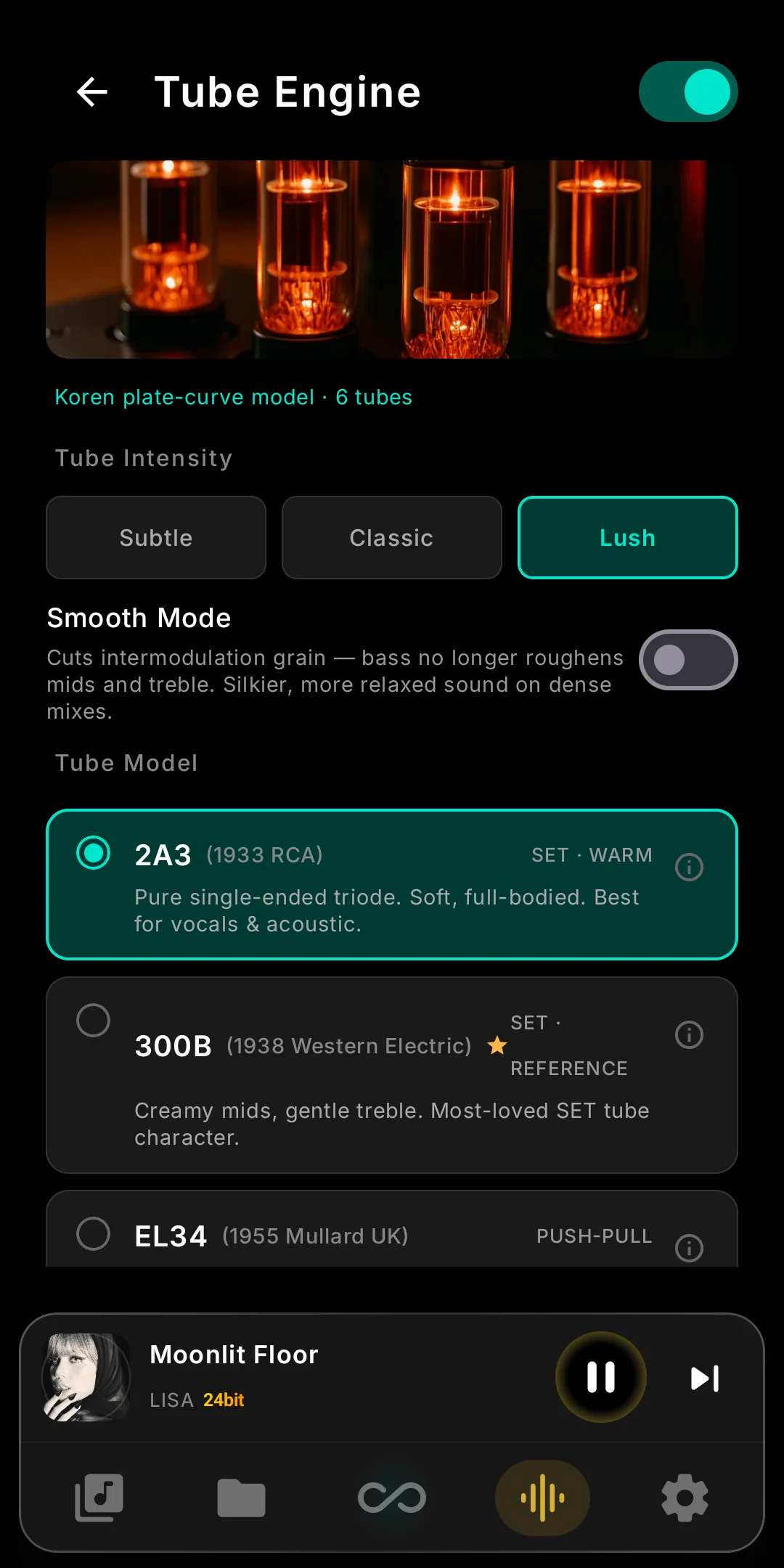
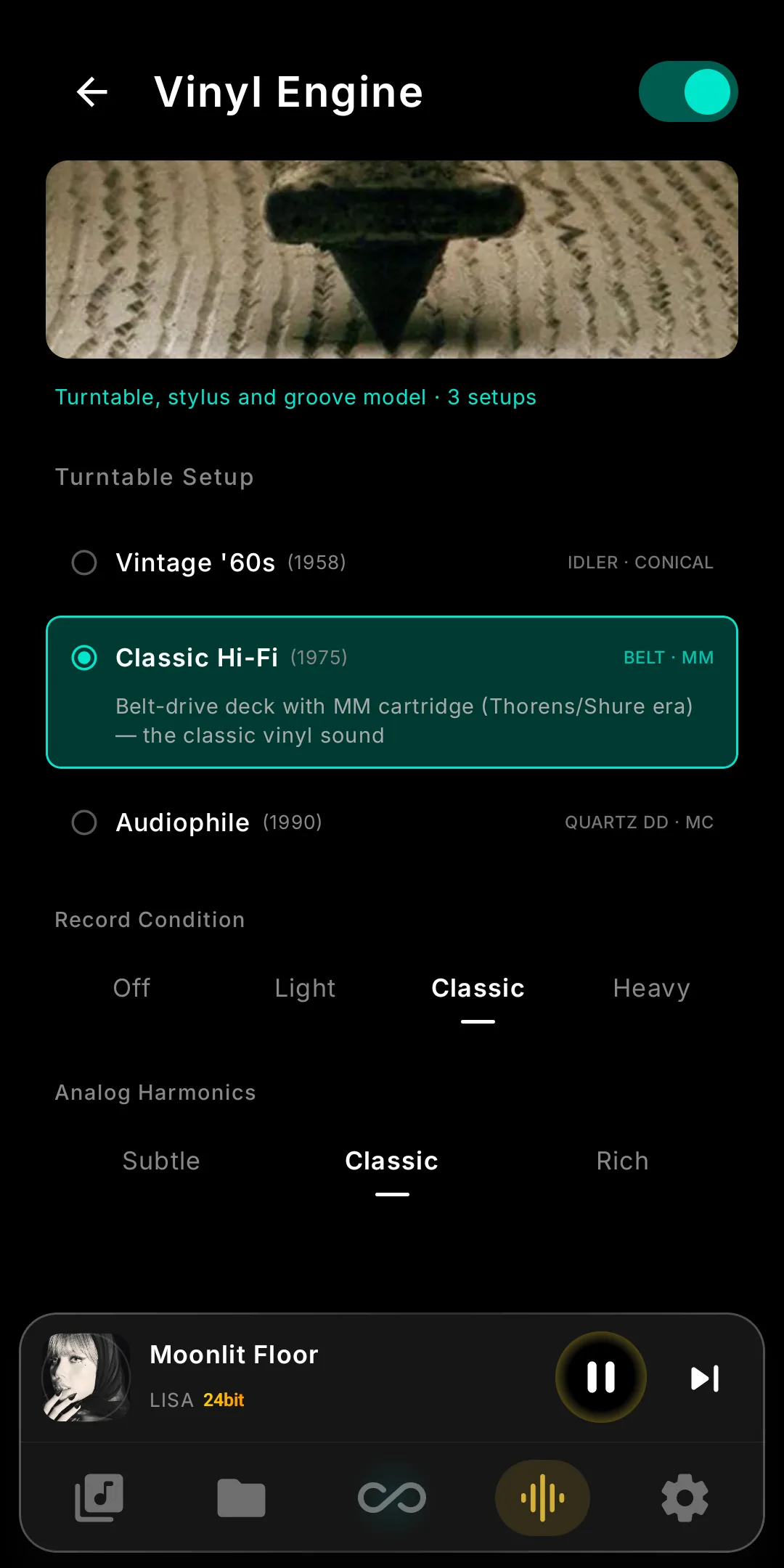
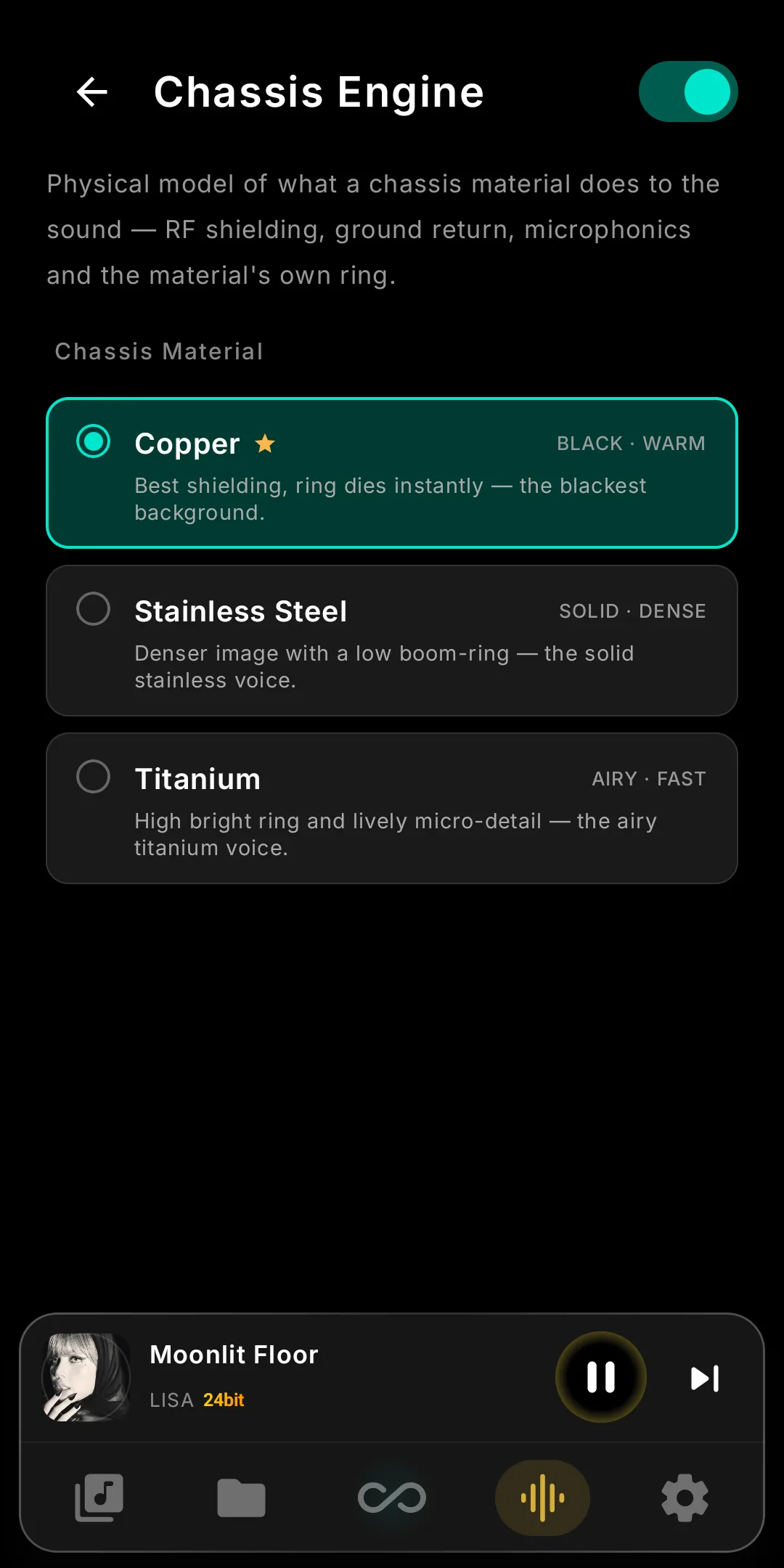
Infinity Pure and Android mode: every supported DAP.
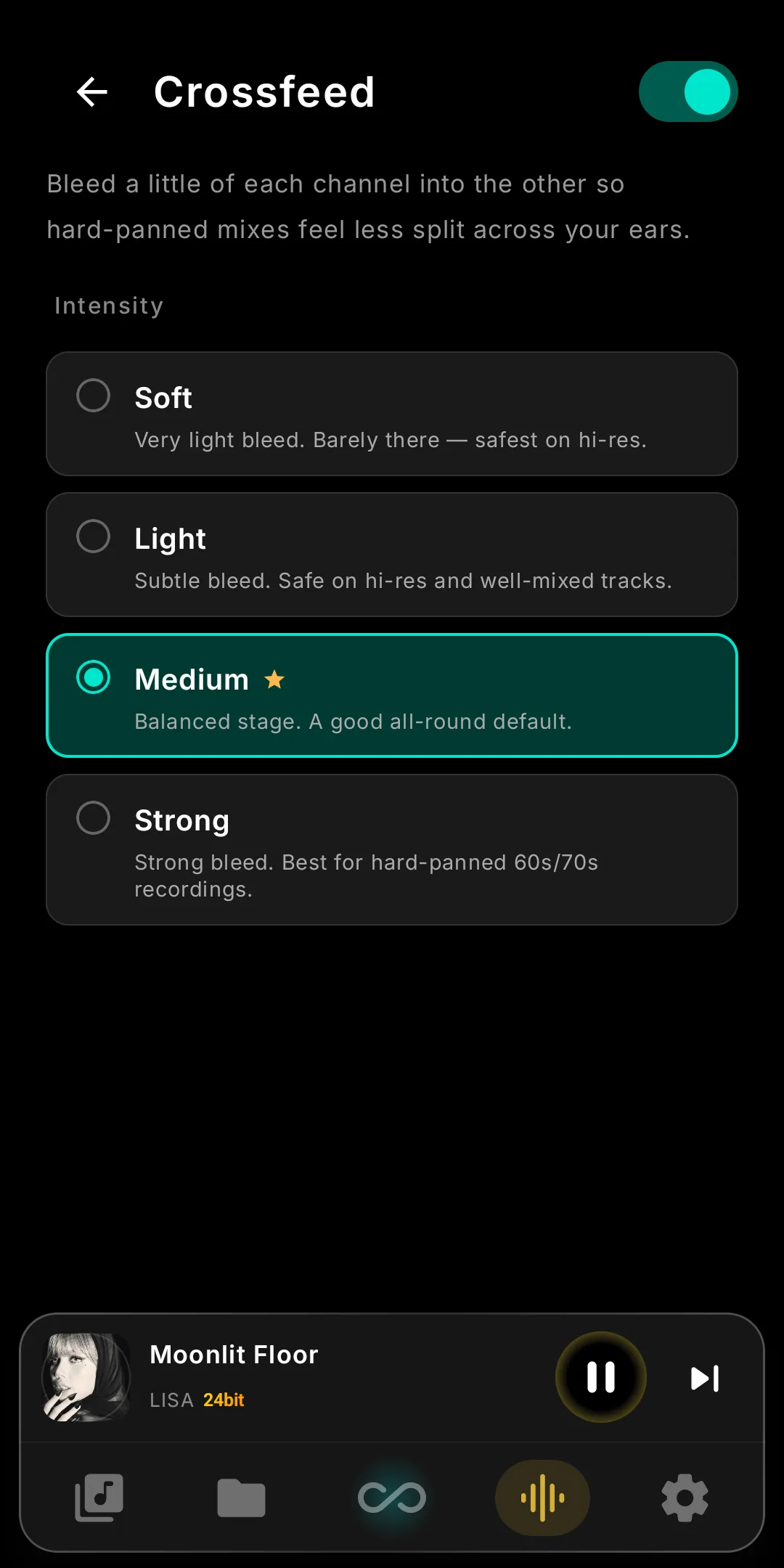
Crossfeed
Bleeds a delayed, low-passed copy of each channel into the other for a speaker-like stage. Four intensity presets, in Infinity Pure and Android mode.
- Soft — very light bleed, barely there. Safest on hi-res.
- Light — subtle bleed, safe on hi-res and well-mixed tracks.
- Medium — a balanced stage and a good all-round default.
- Strong — the widest bleed, best for hard-panned 60s / 70s recordings.
Invert Phase
Flips the absolute polarity of both channels. Some pressings, transfers and mixes are cut out of phase; one toggle puts them right.
- Switch and listen — toggle it during playback and trust your ears; on some systems and recordings the difference is obvious, on others it is not.
Precision Tuning Tools.
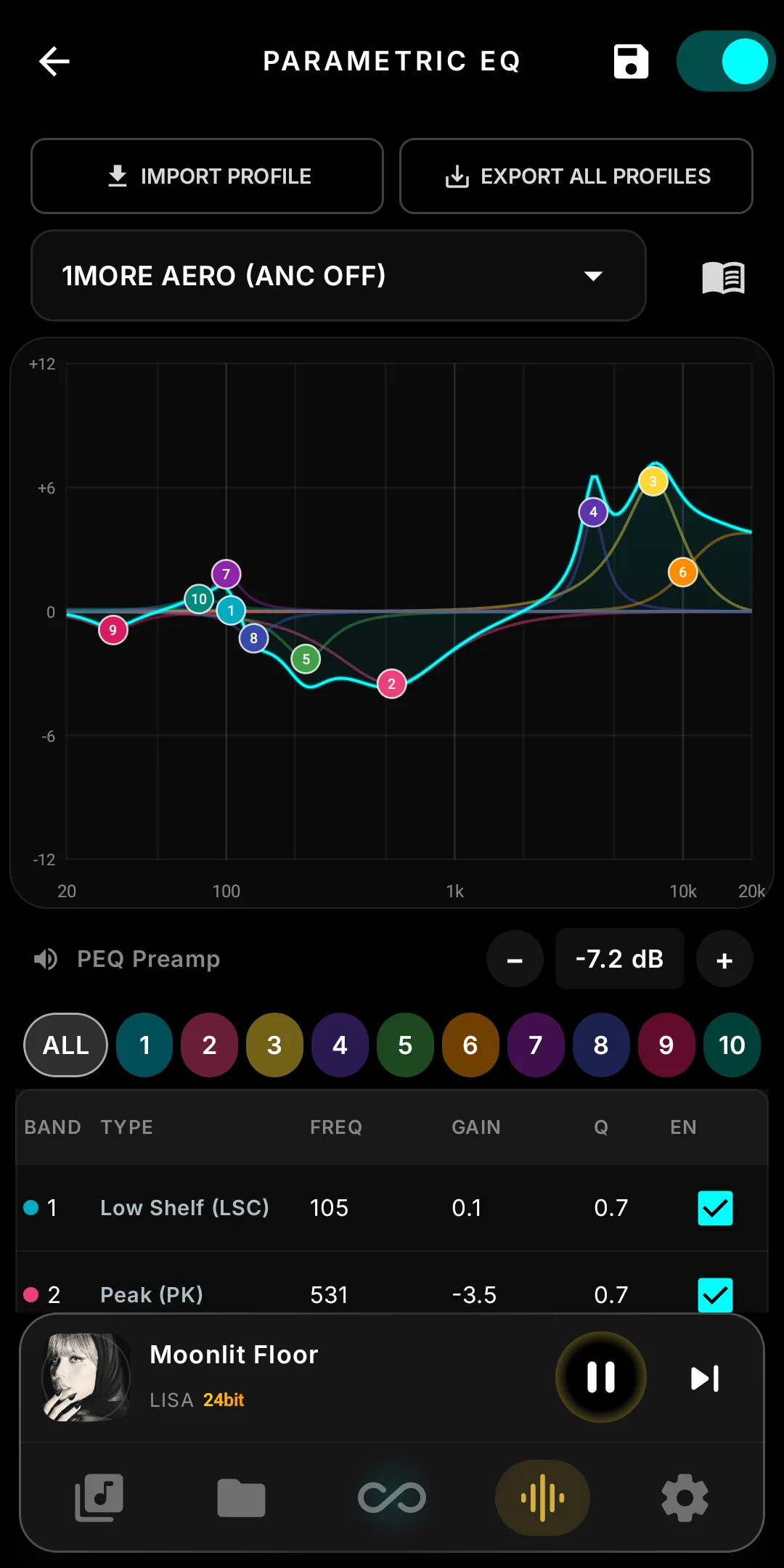
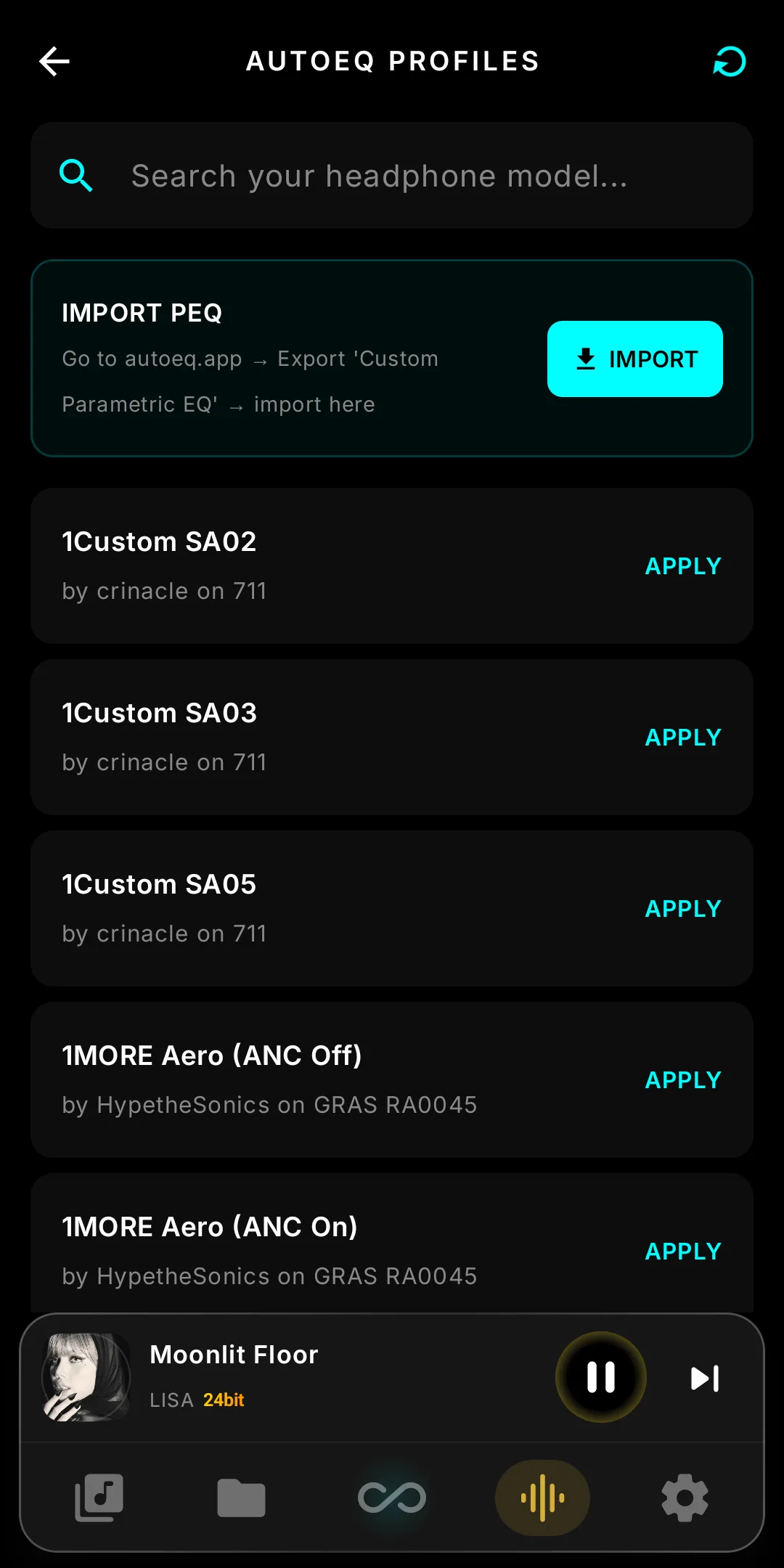
A 10-band Parametric EQ you drag on a live graph, with AutoEQ, oratory1990 and Squig import, plus the classic 10-band EQ, ReplayGain and peak protection.
- 10-Band Parametric EQ — live response graph, drag-to-tune, built-in guide.
- 10-Band EQ + Intensity — scale a whole curve 0–200 % without touching the preset.
- AutoEQ Integrated — Fetch profiles instantly.
- ReplayGain — Perfect pre-amping and normalization.
Parametric EQ & Equalizer
Ten fully parametric bands in the Infinity DSP panel, beside the engines. Runs in the player before volume; native DSD bypasses it.
- Live response graph — the curve you hear plus each band's own line, log 20 Hz–20 kHz, auto-zoom ±6 / 12 / 24 dB.
- Drag to tune — numbered dots set frequency and gain; filter the table to one band; the preamp moves in 0.5 dB steps and survives loading a profile.
- Import any profile — AutoEQ, oratory1990 and Squig parametric profiles as-is; export all of yours in one file.
- Guide & Intensity — a built-in filter-type guide (EN, TH, ZH, KO, JA) and a 0–200 % Intensity slider on the classic 10-band EQ for hearing-compensation curves.
Infinity FPGA
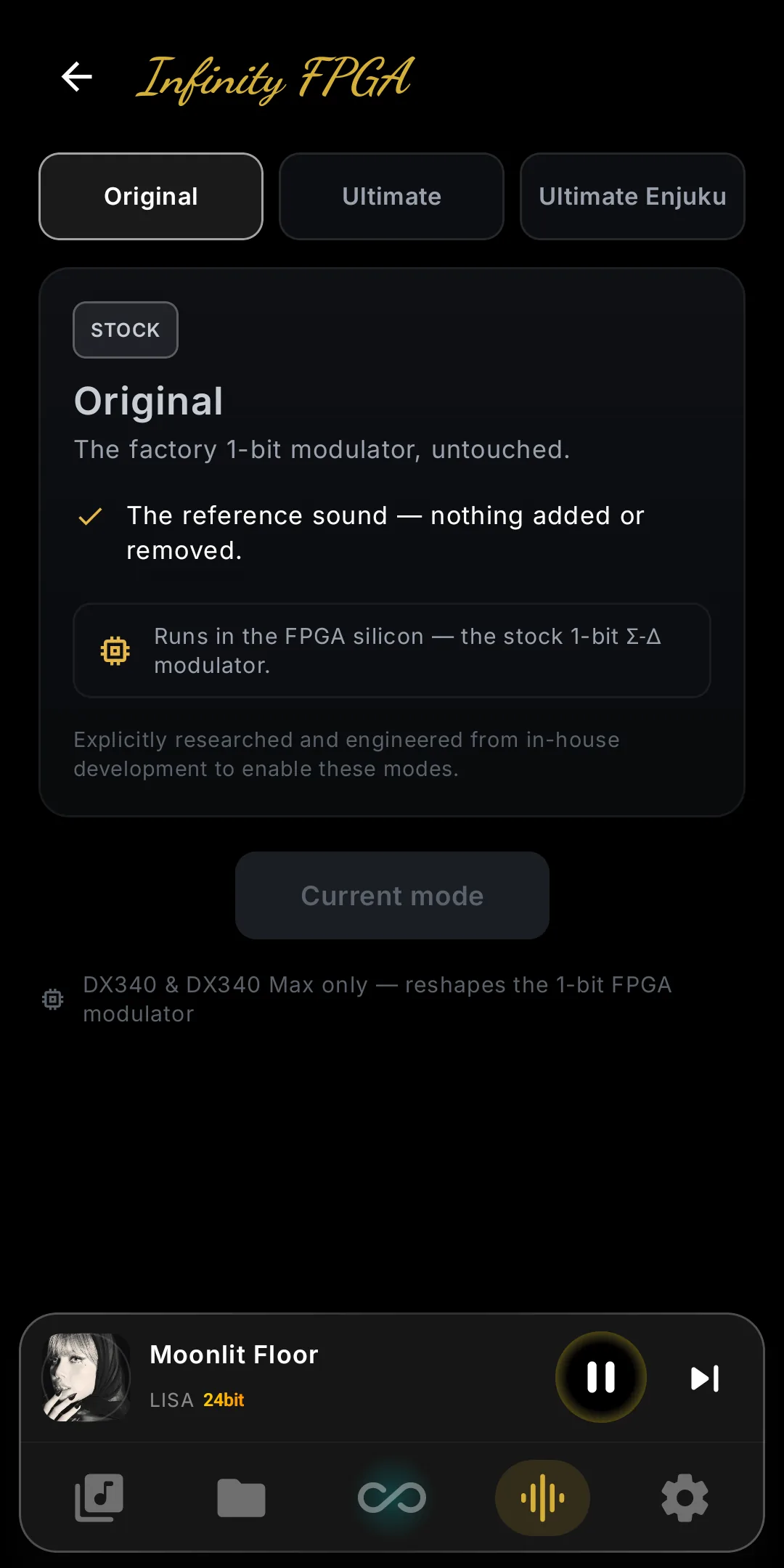
Reshape the 1-bit ΣΔ modulator in the FPGA by live-splicing a new bitstream into the Gowin GW1N before the discrete DAC. DX340 and DX340Max only.
- Original — the stock iBasso modulator, untouched. The reference point, and what the player restores whenever you switch back.
- Ultimate — reshapes the stock modulator in silicon for −13 dB THD. A cleaner shaping curve into the same discrete DAC — the mode most people will want to live on.
- Ultimate Enjuku — a second image with its own sigma-delta character, now open to everyone — no unlock code. The Harmonic Exciter runs on top of it.
Read the Harmonic guide — what the nine bands do →
Modes are verified, then written to the boot kernel; stock is saved first, so Original always returns. DX270, DX320MAX, DX320 and DX180 lack the ΣΔ modulator this needs.
Custom Harmonic.DX340 & DX340Max only
Nine bands of even and odd harmonics, shaped in the FPGA before the DAC. Tube warmth, triode bite or flat, with every source bit intact.
Even harmonics — warmth & body
H2, H4, H6 add the rounded, musical fullness associated with classic tube amps. Vocals gain weight, strings gain wood, the whole presentation feels closer and more human.
Odd harmonics — bite & energy
H3, H5, H7 add the forward edge of triode and transformer-coupled circuits. Transients sharpen, leading edges get teeth, the music gains drive without losing definition.
A/B Test — Trust Your Ears
One tap zeroes every band so you hear your tuning against flat reference. The FPGA switches in ~5 ms, no fade, no skip.
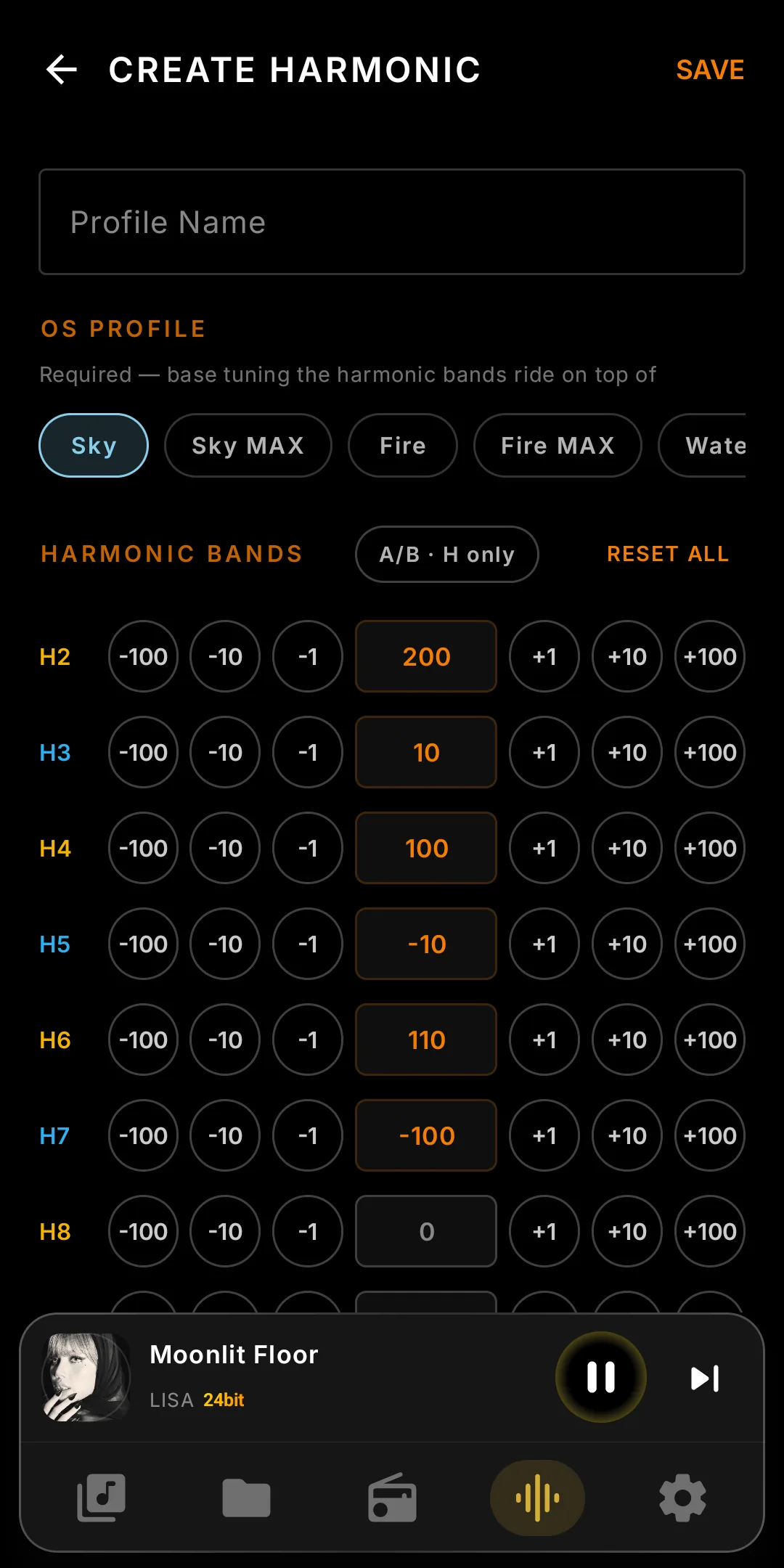
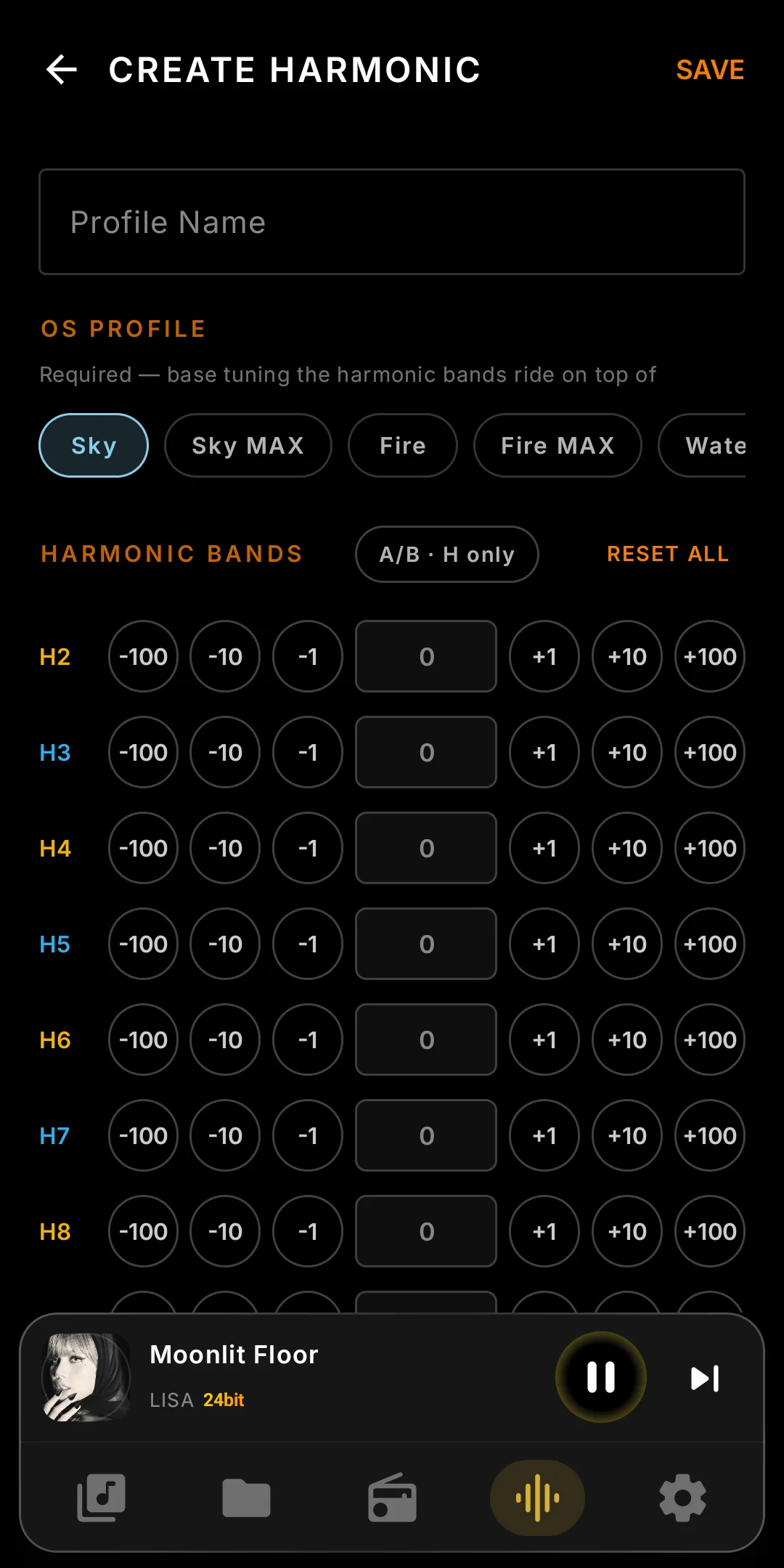
No upsampling, no CPU convolution: every change happens in the FPGA before the DAC. The only DAP that shapes harmonics without touching the source.
Harmonic OFF is live — no reboot; the FPGA stops shaping instantly and the system tuning goes back to stock. Listening Profiles remember which Harmonic goes with which headphone.
Listening Profiles
One headphone likes Velvet with Tube on; another wants NOS and nothing else. Save each setup once and switch between them in a tap.
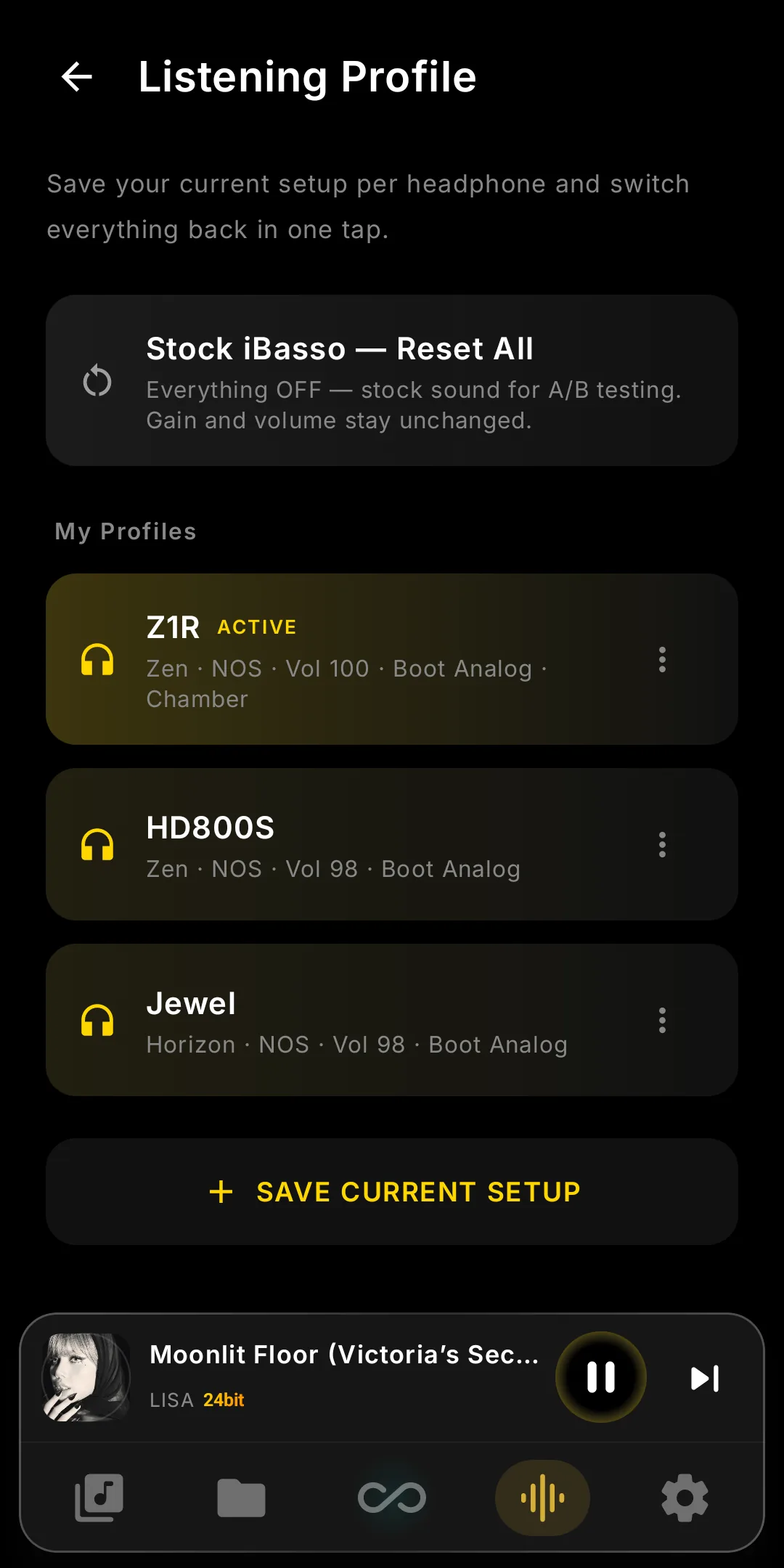
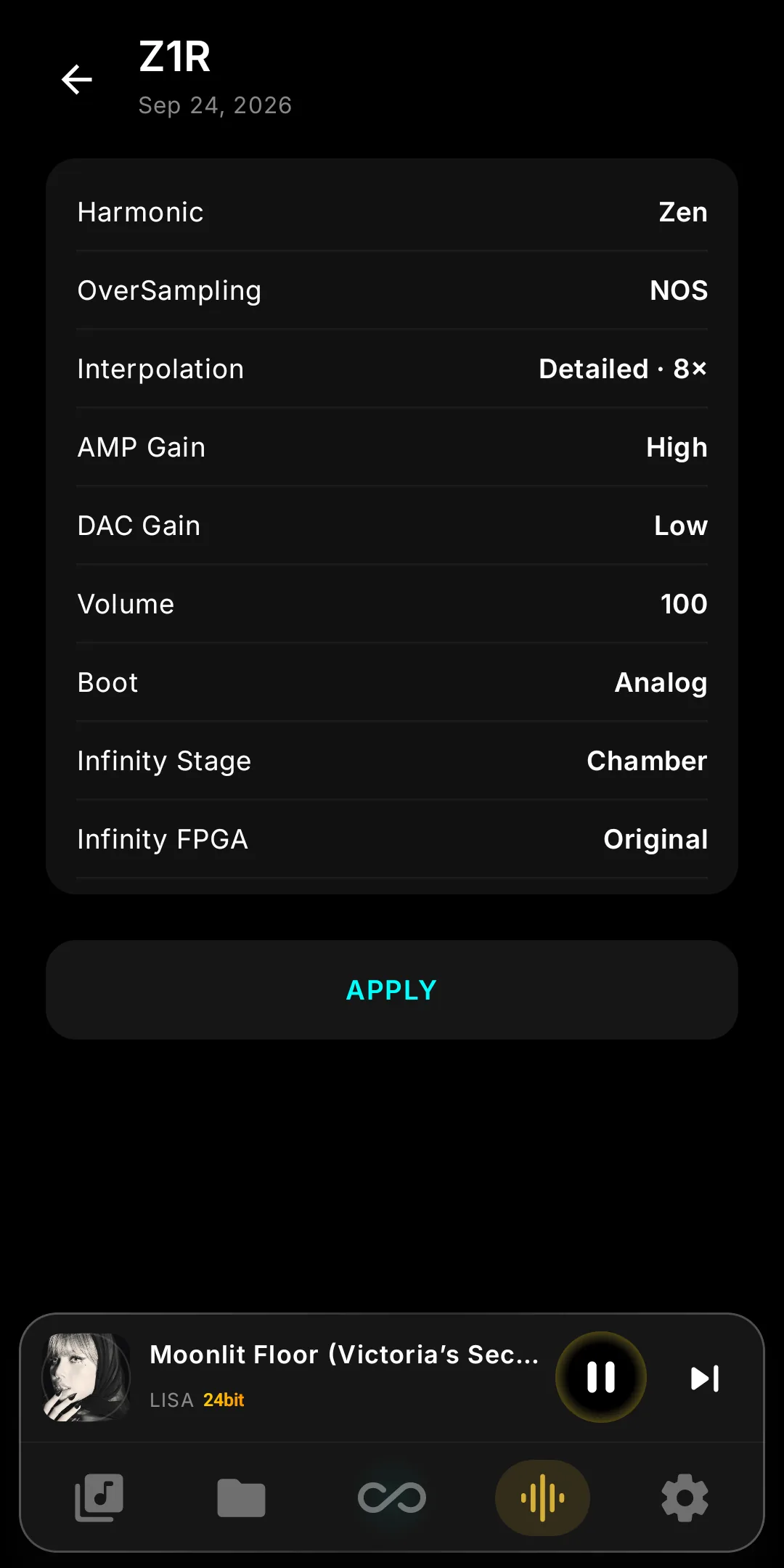
What a profile holds
Harmonic, NOS/OS, digital and DSD filters, amp and DAC gain, Output (AB/Super A ↔ Tube), EQ, PEQ, every DSP engine, Boot, Infinity Stage, FPGA mode.
One tap, and a chip that tells the truth
The chip by the title shows the active profile. Tweak anything and it turns orange; tap UPDATE to save. Profiles switch mid-track.
See before you apply
Tap a profile to open its Details page: every setting shown as now → profile, changes highlighted, with the real names — filters, tube model, turntable, crossfeed level.
Stock iBasso, one reboot at most
Stock iBasso — Reset All turns everything off for an honest A/B, leaving gain and volume alone. Boot, Stage and FPGA changes share one reboot.
See the Music Move
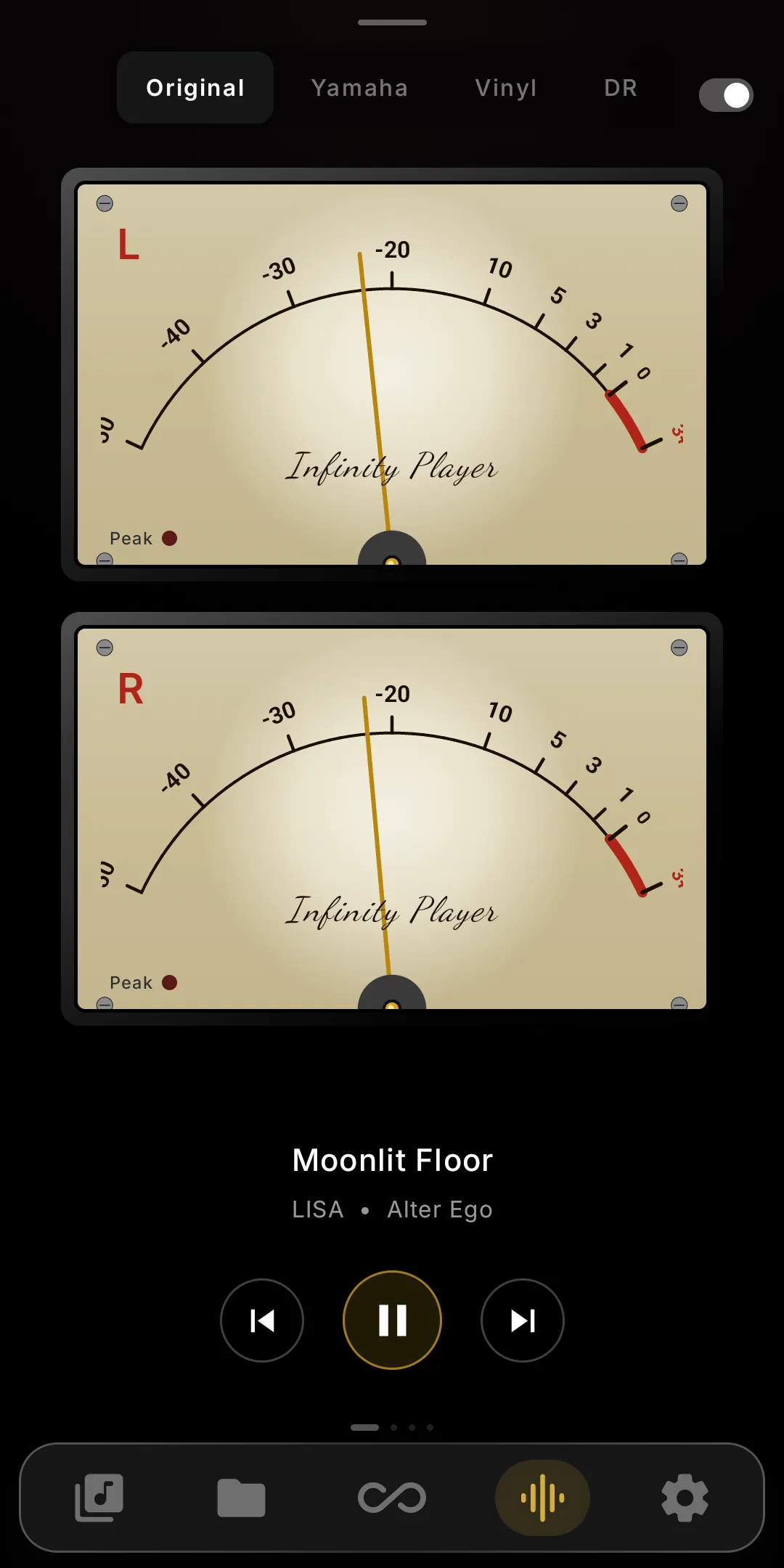
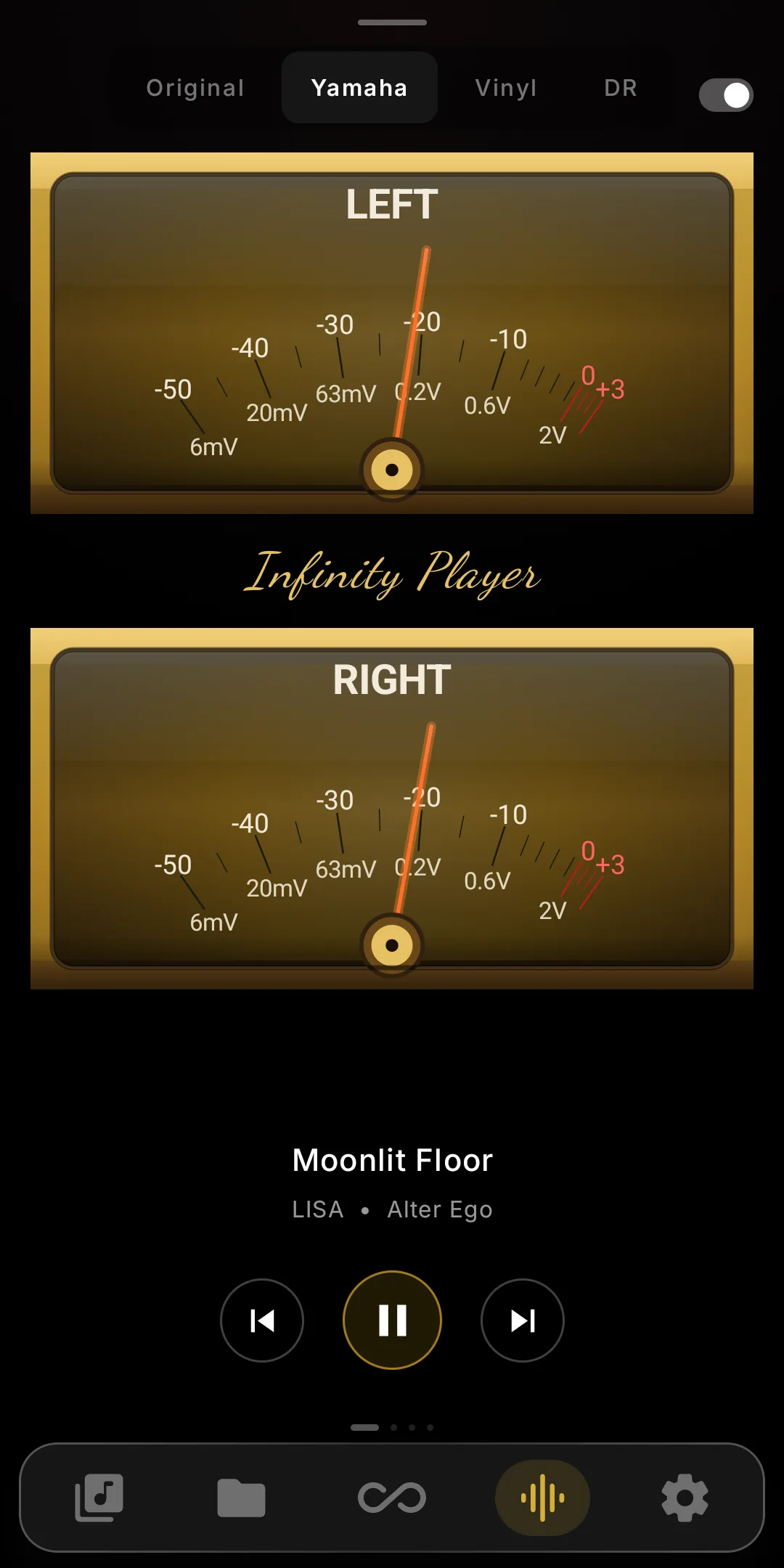
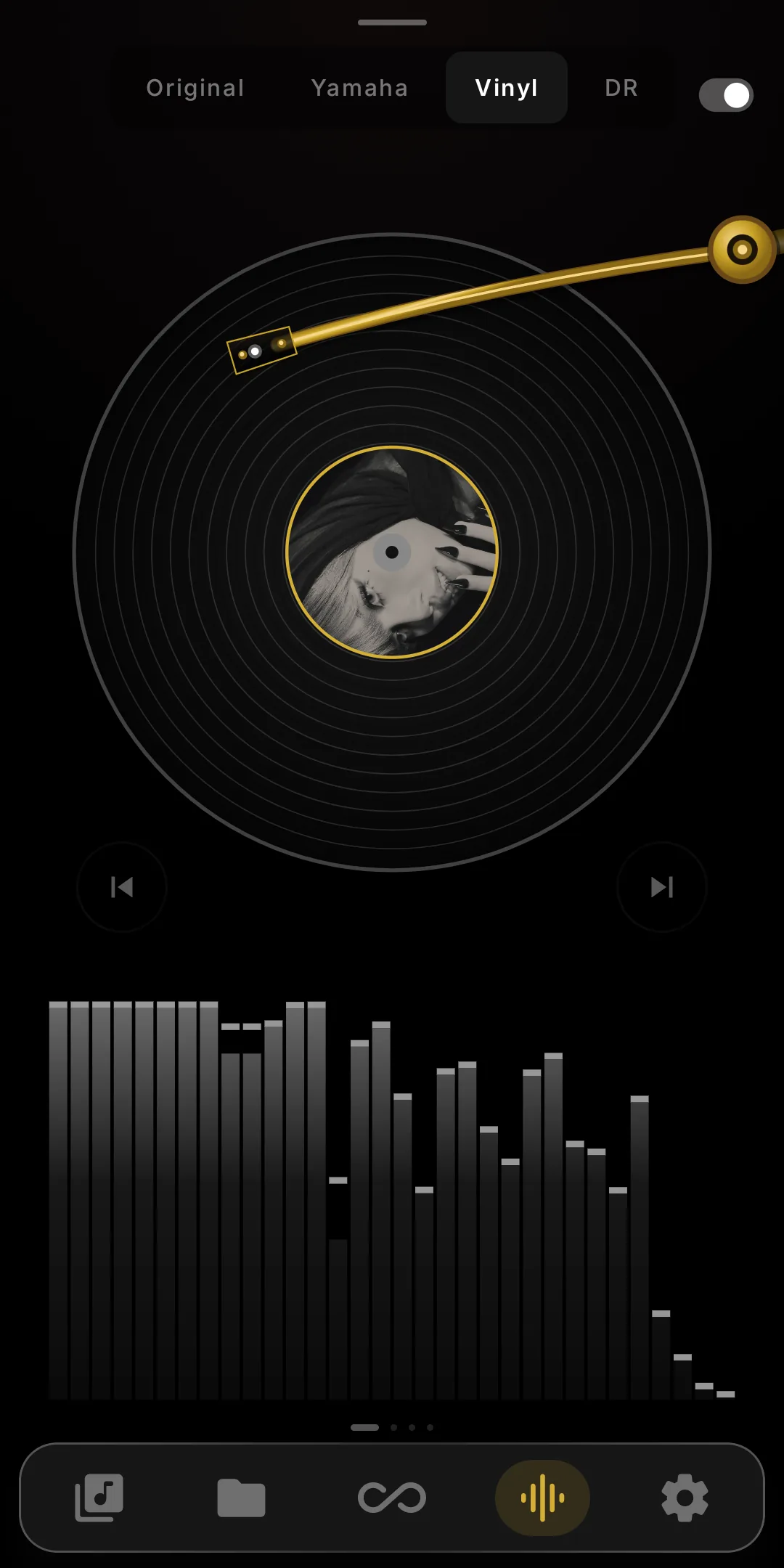
A real-time twin-needle VU Meter and a spinning vinyl visualizer — analog-style metering that reacts to every track.