Infinity Core for Mobile
Your Infinity Core on your phone or iPad: browse, play and choose where the music plays, at home or away.
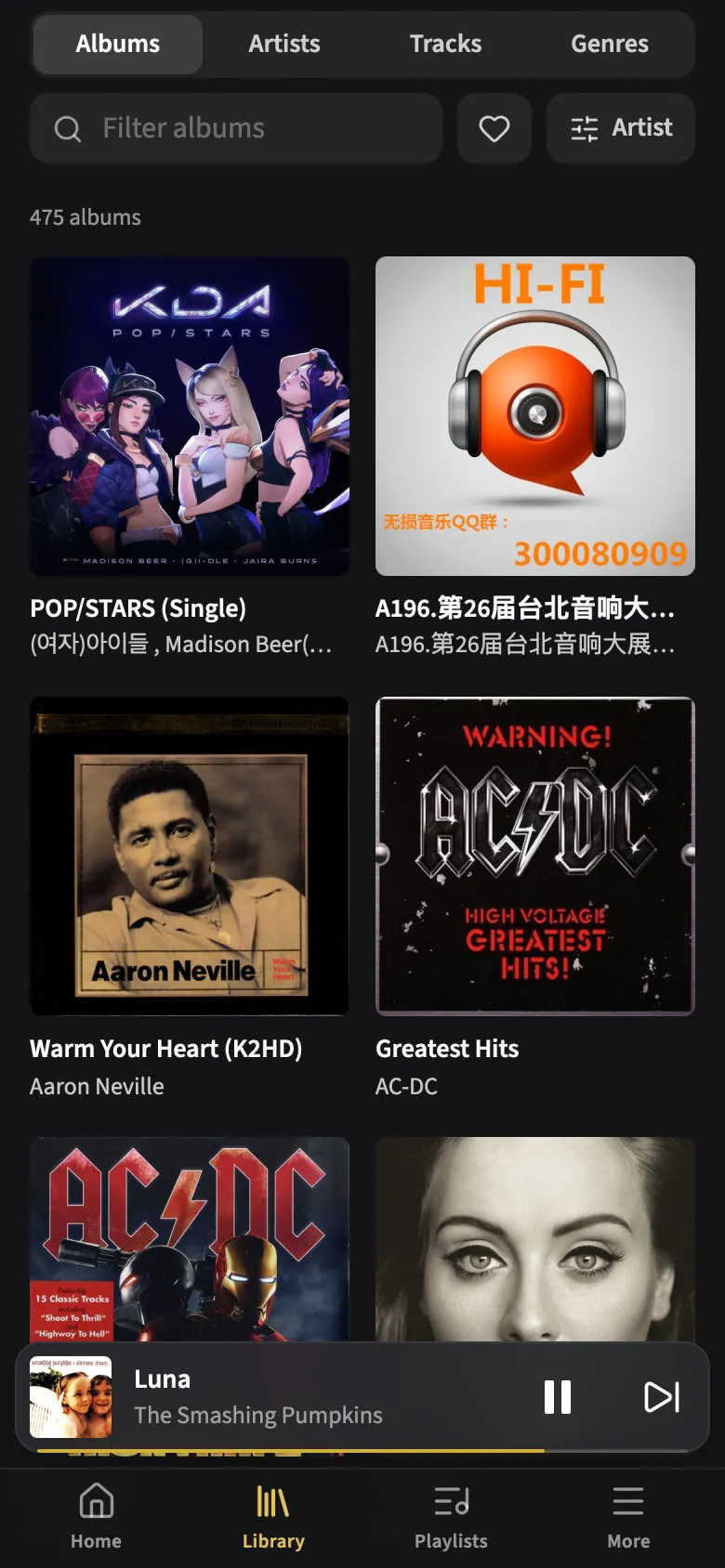
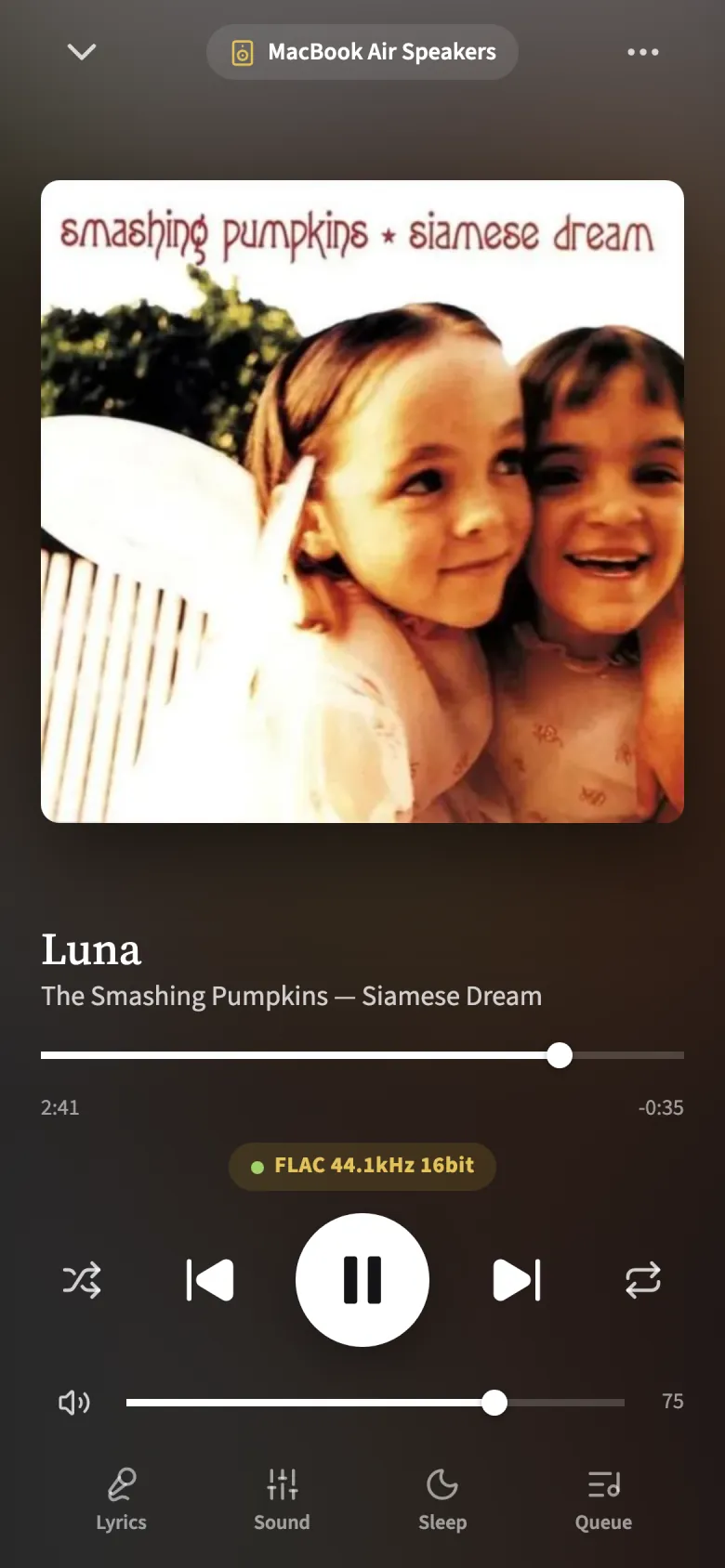
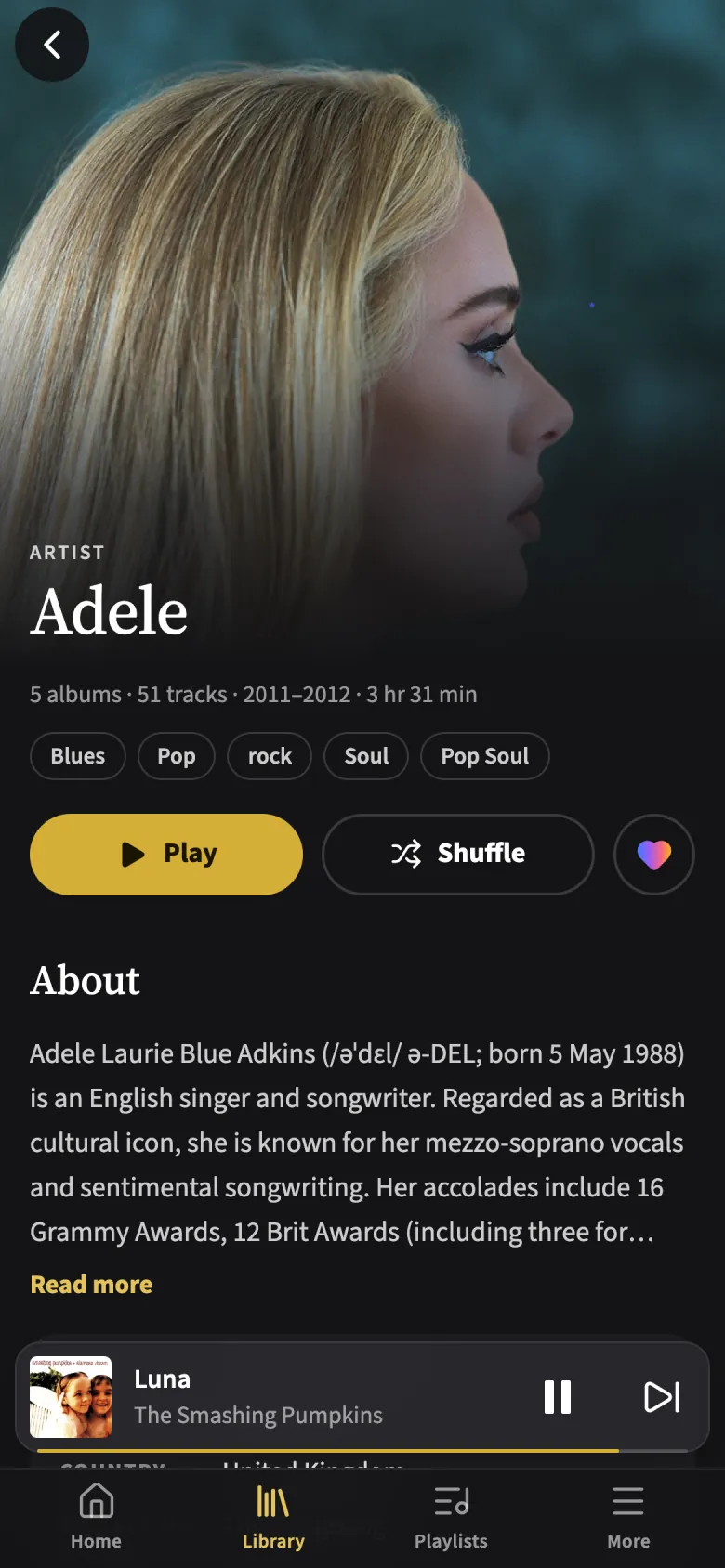
Everything in Infinity Core, made for your hand
- Your whole libraryAlbums, artists, playlists and radio, with search.
- Now PlayingThe cover, the queue, lyrics and a sleep timer. Swipe to skip.
- SoundPrecision Upsampling, EQ and Infinity DSP open right over Now Playing.
- Choose where it playsYour computer's DAC, your iBasso DAP over Infinity Link, AirPlay, Google Cast or UPnP.
- At home or awayWith Link Anywhere, through your own Tailscale account. Nothing to set up on your router.
- Private by designYou pair it with a code. Encrypted end to end.
A look inside
Infinity Link built in
Your phone plays the music too, each track in its own format — at home, or anywhere with Link Anywhere.
About Infinity Link →Link Anywhere
Your phone reaches your Infinity Core at home from anywhere, through your own Tailscale account. Nothing to set up on your router.
Encrypted end to endWireGuard, with keys made on your devices.
Only your devicesYour own Tailscale account, plus a pairing code.
Nothing on your routerNo open port, no server of ours in between.
Plays on the moveFrom Wi-Fi to mobile data without a break.
Set it up in three steps
- In Infinity CoreSettings › Mobile App › Link Anywhere: on, then sign in to Tailscale (free).
- In the appSwitch on Link Anywhere and sign in with the same account.
- PlayOpen your Infinity Core in the app, at home or away.
Questions
Does the music play on my phone?
Yes, with Infinity Link built in: pick the phone in Infinity Core. In a browser, the phone is only the remote.
Does Infinity Core need to stay open?
Infinity Core needs to be open on the computer, and the computer awake.
How do I stop it?
Remove the phone in Settings › Mobile App (the app) or Settings › Web remote access (a browser). It is cut off at once.