Infinity Core
for Mac, Windows, Linux and Home Assistant
Your files and radio in one library, played bit-perfect on your DAC, your DAP or any speaker.
Mac · Windows · Linux · Synology · TrueNAS · Home Assistant
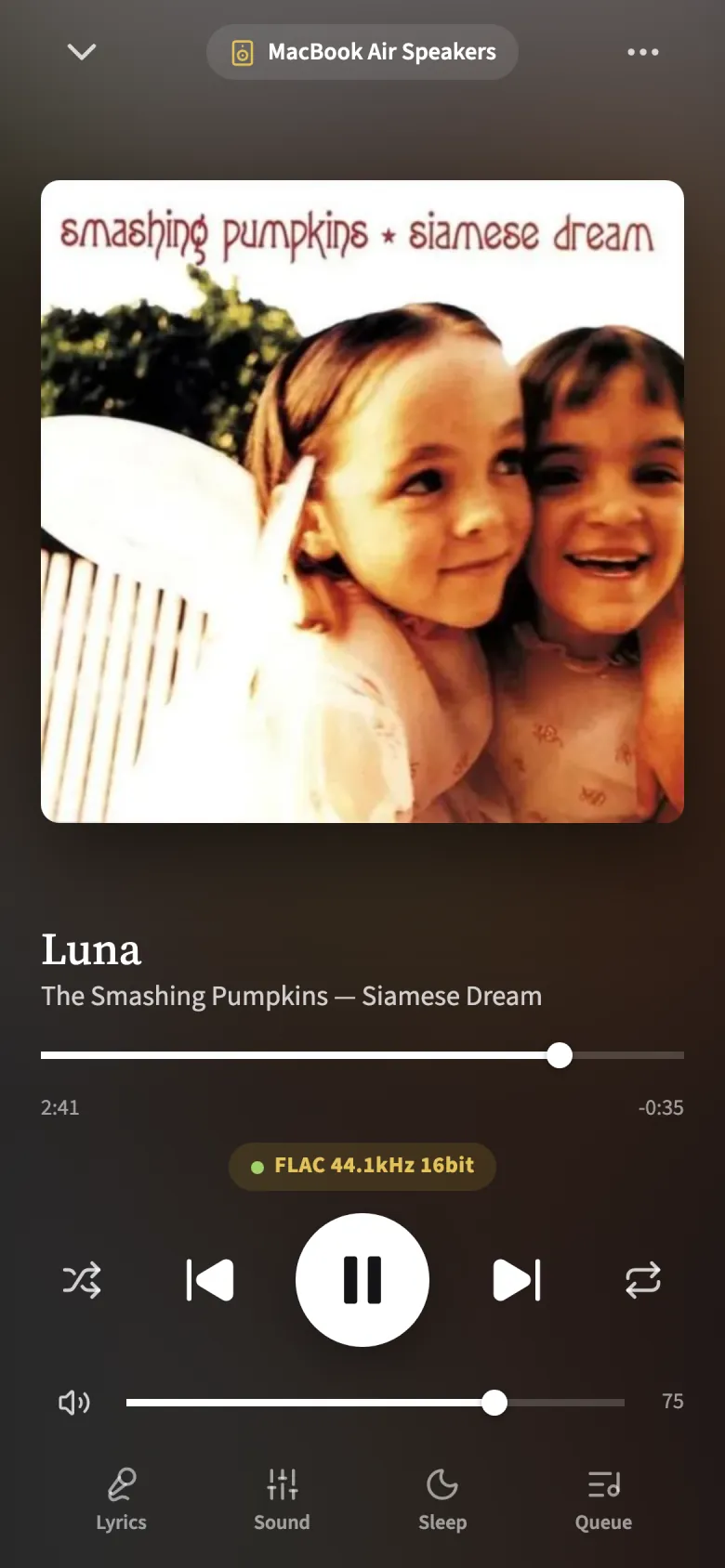
 Infinity CoreYour library, queue and soundMac · Windows · Linux · Home Assistant
Infinity LinkBit-perfect · native DSDAt home or awayLink AnywhereEncrypted · TailscaleOptional
Precision Upsampling and Infinity DSP
Your DAP's sound settings on your computer, plus an upsampler built for it.
- Precision UpsamplingPCM up to 768 kHz or DSD up to DSD512.
- Infinity DSPVinyl, Tube, Chassis and Crossfeed, as on your DAP.
- EQ and AutoEQPick your headphones; save set-ups as Listening Profiles.
- Leveling, crossfade, gaplessEven loudness with ReplayGain; albums stay gapless.
Pick a device. The music moves there.
It carries on from where it was, in a second or two.
- Your DAC, bit-perfectExclusive mode at the music's own rate; DSD as DoP.
- Your iBasso DAPOver Infinity Link: hi-res and native DSD.
- Speakers and phonesAirPlay, Google Cast, UPnP, and phones with Infinity Core for Mobile.
- Know what you hearThe signal path says “bit-perfect” only when it is.
Your iBasso DAP, from the computer
With Infinity OS or Infinity Pure, Infinity Core does more than play to it.
- Its music, herePlay the DAP's own library from the computer.
- Sync to DAPSend folders, albums or playlists; then only what changed.
- Its settings, hereInfinity DSP, Sound Tuning and Listening Profiles.
- Wi-Fi Transfer and tagsEdit the tags of the DAP's own files.
- Its folders, hereBrowse its SD card and internal storage by folder and play. Sync and Wi-Fi Transfer are a tap away.
Lyrics in your language
Sing along in any language. The next song is ready before it starts, and a song done once stays done.
- Translated under each lineEvery line in your language, right under the original.
- Read it as it soundsJapanese, Korean, Thai or Chinese in Latin letters, to sing along.
- Both at onceHow each line sounds and what it means, together.
- Full-screen lyricsBig lines over the whole window, following the song.
AI Playlist
Say what you feel like hearing. It makes the playlist from your own music.
- Describe it in your words“Rainy Sunday, slow jazz, a few soft vocals” — or start from a mood.
- Only your own musicEach pick says why it fits. Steer it, make it again, save it as a playlist.
- Make it with AIAny card on Home becomes a playlist in one tap.
- Suggest more with AISongs for the queue that fit what is playing.
- Autoplay with AIWhen the queue ends, AI picks what plays next from your library.
Bring your own AI
Your key, your data: you choose who answers, you see everything it is sent, and you pay your provider directly.
- Off until you turn it onNothing is sent and nothing runs until you switch it on.
- Your key, or your own computerAn OpenRouter key, free models too — or Ollama or LM Studio here, and nothing leaves the house.
- What AI seesFeature by feature, what is sent and what never is.
- AI activityEvery request listed, with what it carried, its tokens and its cost.
- A monthly limitAI stops when it is reached. You pay your provider; nothing goes through us.
Find what looks wrong. Fix it in a few taps.
For the files on this computer and on your DAP, in Settings › Library Health.
- CoversMissing, small, not square or shared by many albums. Find better ones online and pick.
- Song infoGarbled text, “A feat. B”, no album artist, genre or date, a track number used twice. Each opens in the tag editor.
- Fix tags with AIOne album at a time, changes side by side. You tick what to keep; Undo puts it back.
- DuplicatesAn album in two folders, “(1)” copies, single songs. Keep one, here and on your DAP; plays, ♡ and playlists follow it.
- Undo any saveEvery tag edit, here or on an Infinity OS or Infinity Pure DAP, is listed with Undo.
Share this computer's DAC
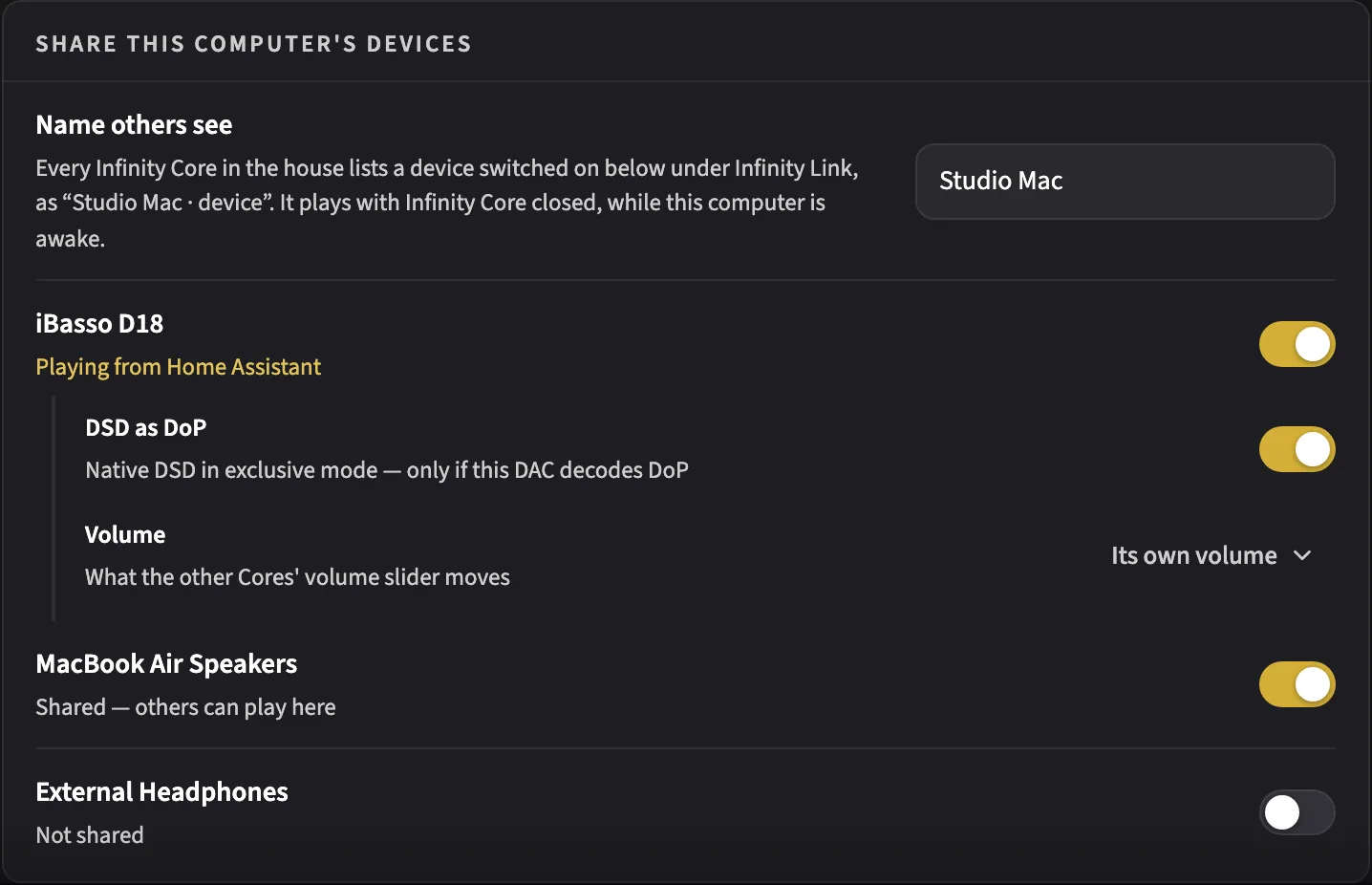
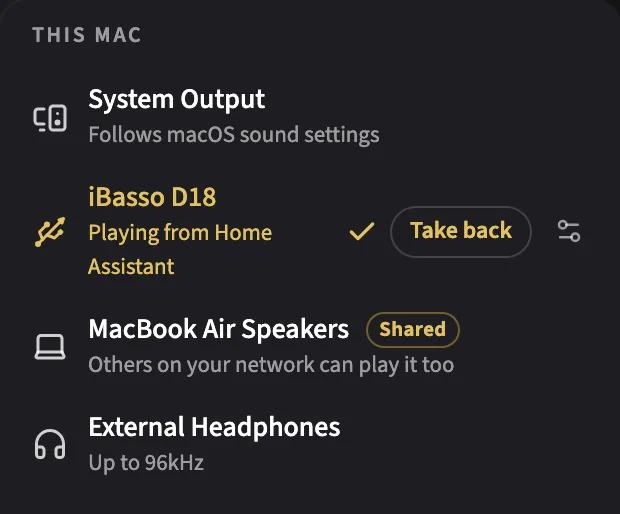
Your DAC sits on one computer, your music on another. Switch the DAC on in Infinity Core there, and every Infinity Core in the house plays to it, like an iBasso DAP: bit-perfect, native DSD where the driver allows it.

Windows · ASIO®
Windows itself has no DSD, only DoP, and only up to what the DAC's DoP allows. Native DSD, and on many DACs their highest rates, come through the DAC maker's own ASIO driver.
Infinity Core plays through it with Infinity Link Direct, a small free program that comes with Infinity Core for Windows. Your DAC then shows twice in the device list: its ASIO row beside the usual one. Share it, and every Infinity Core in the house gets native DSD from that PC.
Infinity Core never loads the driver itself: if a driver crashes, the music stops, not Infinity Core.
Never a sudden loud start
An Infinity Core that has just connected never turns a shared device up. Speakers and headphones keep the computer's own volume keys, and a device with no volume of its own starts at 30 %.
It keeps playing with Infinity Core closed on that computer, as long as the computer is awake.
ASIO is a registered trademark of Steinberg Media Technologies GmbH.
Device compatibility →One Infinity Core for the whole house
Run Infinity Core on Linux, TrueNAS or Home Assistant, and every computer and phone shares one library.
Infinity Core
On Linux, TrueNAS or Home Assistant, always on.
- Your DAP
- AirPlay
- Google Cast
- UPnP
- USB DAC
- Infinity Core for Mac · WindowsShow the server's library and play where you sit.
- Infinity Core for MobileThe same library, at home or away.
- Pair onceSettings › Infinity Core: pick the server, enter its code.
- The same music everywhereLibrary and playlists live on the server.
- Hear it where you areThe computer you sit at becomes one of its speakers.
Infinity Core for Mobile
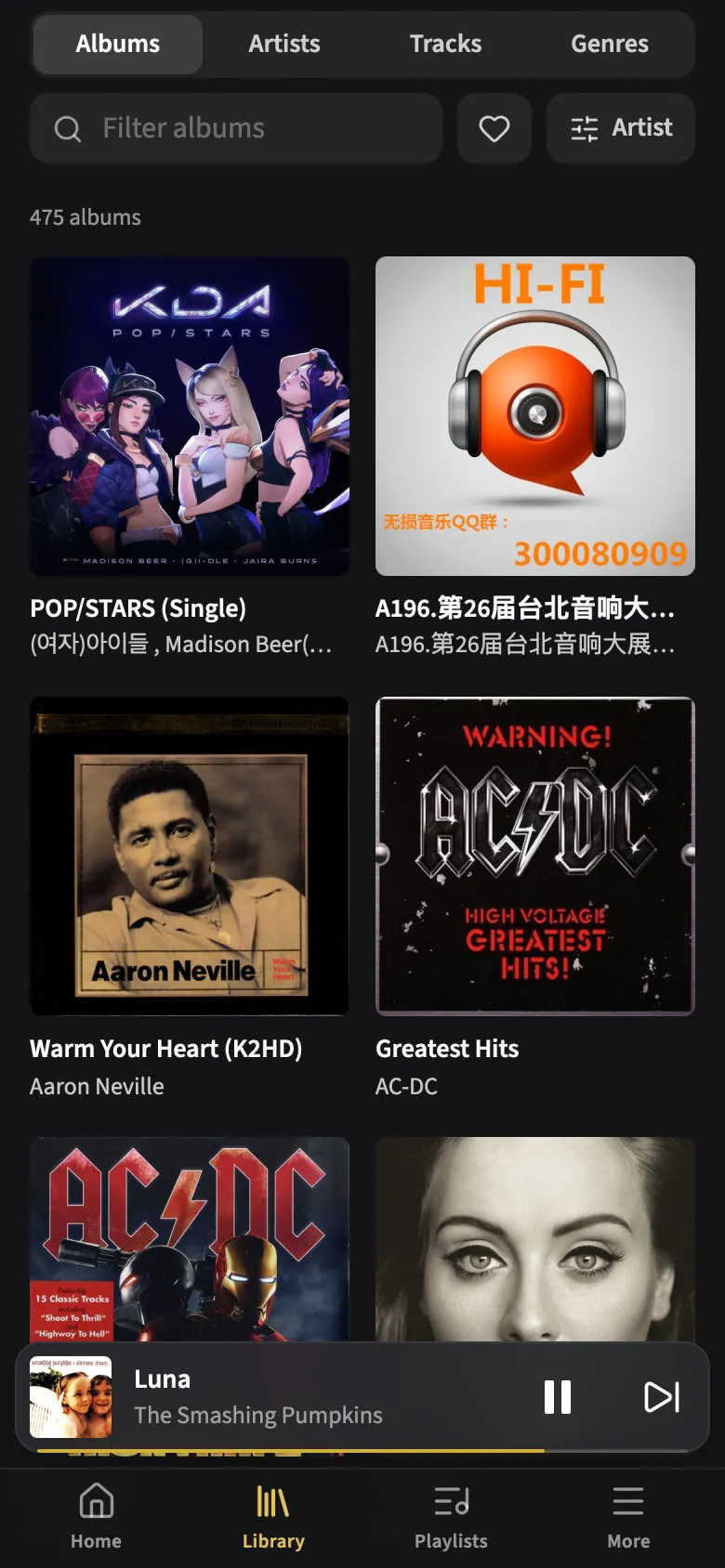
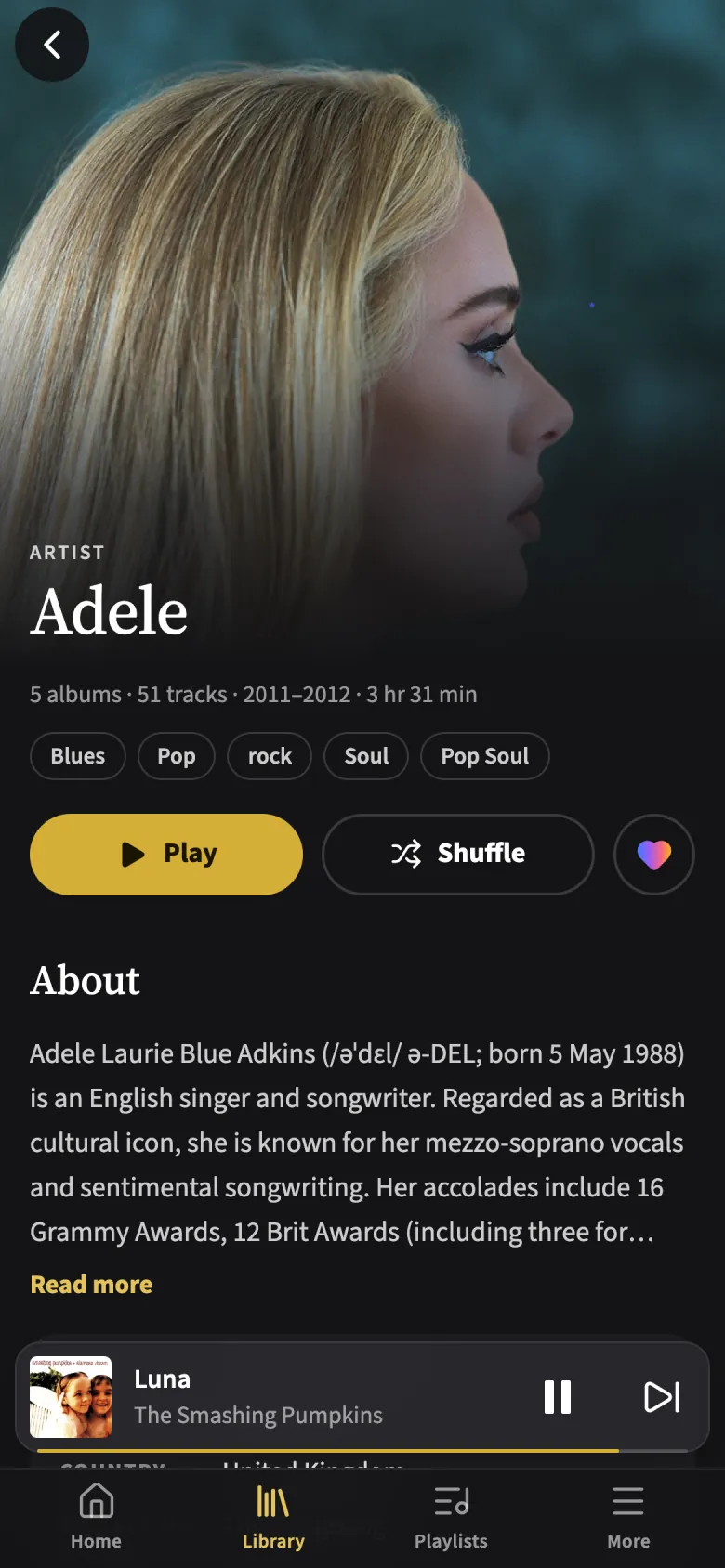
The remote at home or away — and, with Infinity Link built in, a player too. Android, iPhone and iPad.
And more
Backups to Google Drive
Playlists, favourites and settings, every day, in your own Google Drive.
SACD ISO and DSD
SACD ISO stereo tracks join your library; DSD plays as DSD.
Five languages
English, Thai, Chinese, Japanese and Korean.
Updates in the app
New versions arrive in the app; install when you like.
Virtual sound card
Any Mac app plays through Infinity Core to your DAP.
Runs on Mac, Windows, Linux, TrueNAS and Home Assistant
The same Infinity Core everywhere: on your computer, or as a home server.
Mac
macOS 13 or newer, Apple silicon or Intel.
Windows
Windows 10 or 11, 64-bit.
Linux & NAS
A mini PC or NAS (Synology, TrueNAS SCALE) that stays on. Intel or AMD.
Home Assistant
An add-on in Home Assistant's sidebar. Intel or AMD for now.
Free while it is in beta. Join on Discord to get Infinity Core and Infinity Core for Mobile; after that it updates itself. What goes online: privacy.
Do I need an iBasso DAP?
No. It plays on your computer's DAC and on AirPlay, Google Cast and UPnP speakers too.
Does my music leave my home?
Not to us. At home it stays on your network; away, it goes only to your own devices, encrypted.
Do I need a server?
No. It is a complete player on its own; a server is for one library shared by every computer.
Does it run on my NAS?
Yes, with Docker: Synology (DSM 7.2 or newer) and TrueNAS SCALE 24.10 or newer, on an Intel or AMD processor. A NAS has no sound of its own: choose your DAP, your phone or a speaker as the output.
I already run Tailscale on my NAS. Is that Link Anywhere?
No. Switch on Link Anywhere in Infinity Core (Settings › Mobile App) and in Infinity Core for Mobile, with the same Tailscale account. Through the NAS's own Tailscale, your phone opens the library but no music comes to it.
Does Infinity Core need to stay open on the computer with a shared DAC?
No. A shared device plays with Infinity Core closed, as long as the computer is awake. On a Mac it shows as “Infinity-Link-Mac” in Login Items, on Windows as “Infinity-Link-Windows” in Task Manager's startup apps.
Can other apps still use a shared DAC?
Yes, whenever nothing plays there from Infinity Core: a DAC is held only while it plays. On a Mac, shared speakers and headphones also mix with the Mac's other sounds.
Does a shared DAC work away from home?
Sharing works on your home network. Away from home, Link Anywhere takes your music to your phone or DAP.
No computer next to your DAC?
An iBasso DAP or a phone with Infinity Link plays the same way today. A Raspberry Pi as a small dedicated player is coming.